MFJ-993B IntelliTuner Automatic Antenna Tuner Instruction Manual
2005-2012 MFJ Enterprises, Inc.
14
0 255075100
PWR
300
Figure 10. Power Bar Meter (High Range).
0 255075100
PWR
300
Divide scale
by 10
Figure 11. Power Bar Meter (Low Range).
SWR Bar Meter Menu
Shows the frequency, SWR, forward power, and SWR bar meter. A SWR scale is printed just below the
display on the front panel. The 13-block (36-segment) SWR bar meter indicates SWR of 1.0, 1.1, 1.2,
1.3, 1.4, 1.5, 1.6-1.7, 1.8-2.0, 2.1-2.5, 2.6-3.0, 3.1-5.0, 5.1-15.0, and 15.1 to infinity. The numeric reading
of forward power appears at the end of the bar meter. There is also an audio SWR indicator (see “SWR
Beep Menu” section on page 20).
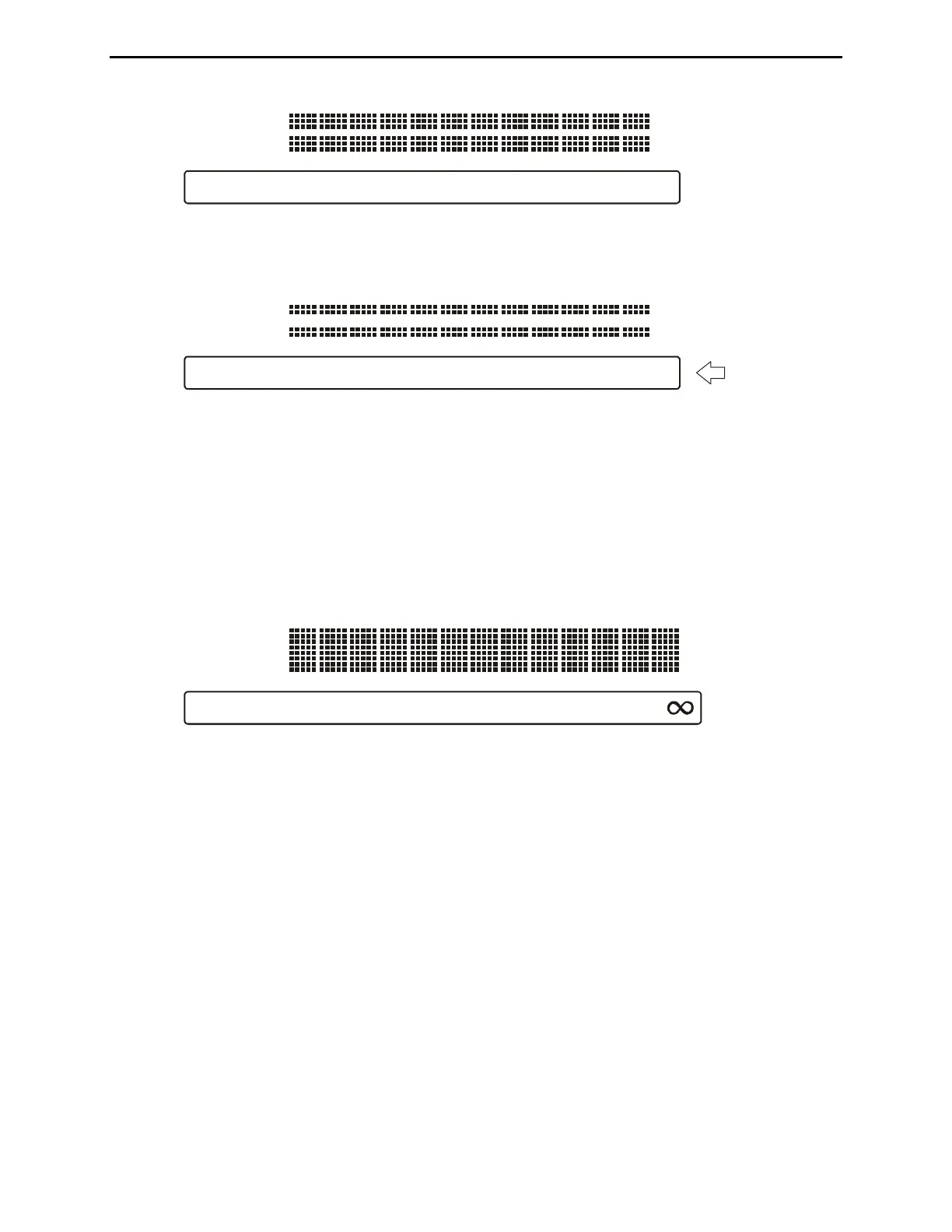
11.2
1.5
2
3
SWR
Figure 12. SWR Bar Meter.
L-Network Menu
Shows the configuration of the L-network matching circuit, SWR, and forward power. The antenna
symbol, on the upper left corner, indicates the antenna side of the L-network. The capacitance value is
displayed to the left when it is on the antenna side and to the right when on the transmitter side.
Inductance value is shown in microhenries (μH) and capacitance value in picofarads (pF). The numeric
reading of forward power appears at the lower right corner of the display. See “Manual Tuning” on page
21.




 To Next Page