MFJ-1270C/1274C MANUAL ADVANCED OPERATION
Page 51
You can enter the code for a character in either hex (base 16) or decimal
notation. The MFJ TNC displays character codes in hex. A number in hex
notation is indicated by beginning the number with a $. The "digits" of a hex
number represent multiples of powers of 16. The values 10 through 15 are
represented by the letters A through F, which may be upper or lower case. For
example,
$1B = 1 x 16 + 11 = 27.
Tables of ASCII character codes are available in most computer manuals. A
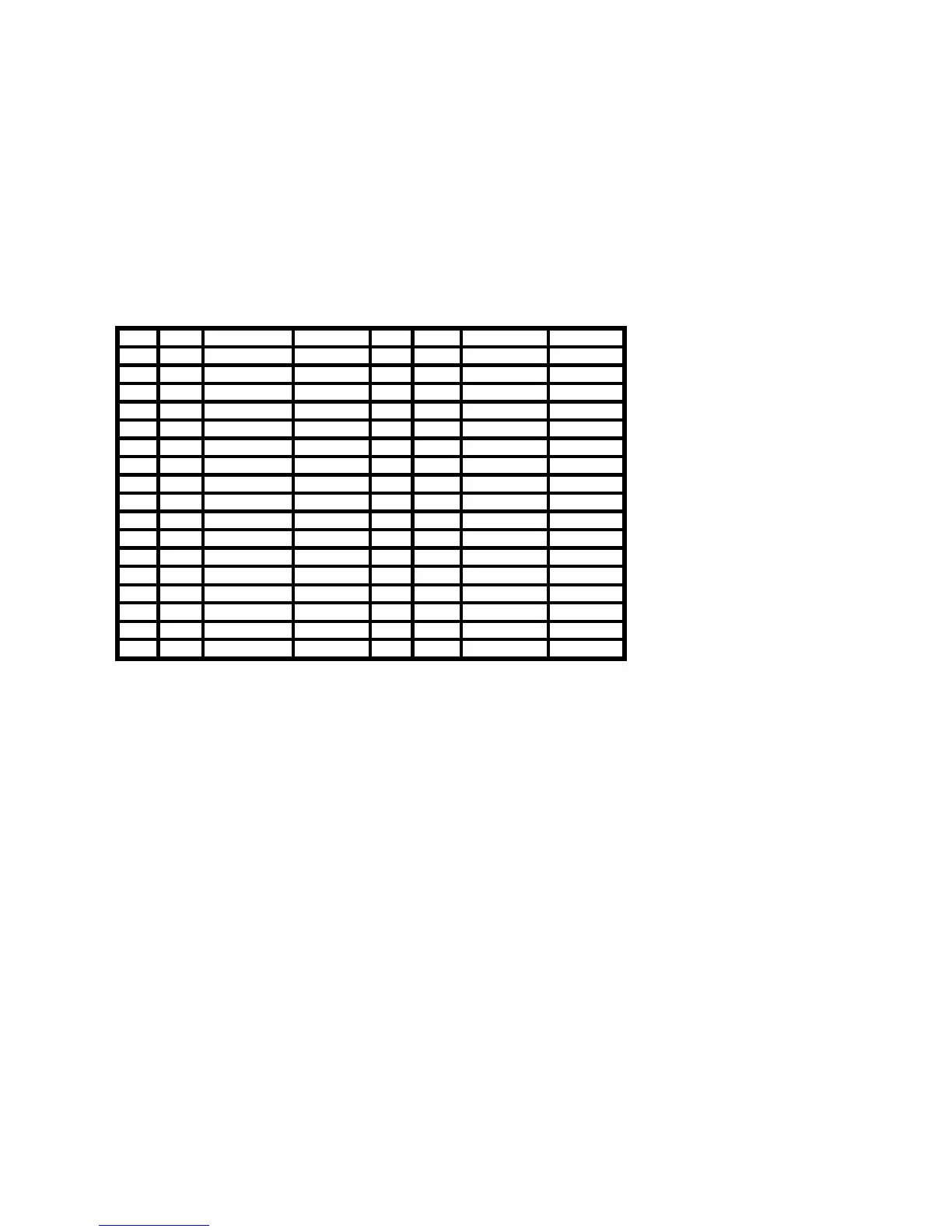
table of ASCII codes for control characters follows.
Dec Hex Control Mnemonic Dec Hex Control Mnemonic
0 $00 <CTRL-@> NUL 16 $10 <CTRL-P> DLE
1 $01 <CTRL-A> SOH 17 $11 <CTRL-Q> DC1
2 $02 <CTRL-B> STX 18 $12 <CTRL-R> DC2
3 $03 <CTRL-C> ETX 19 $13 <CTRL-S> DC3
4 $04 <CTRL-D> EOT 20 $14 <CTRL-T> DC4
5 $05 <CTRL-E> ENQ 21 $15 <CTRL-U> NAK
6 $06 <CTRL-F> ACK 22 $16 <CTRL-V> SYN
7 $07 <CTRL-G> BEL 23 $17 <CTRL-W> ETB
8 $08 <CTRL-H> BS 24 $18 <CTRL-X> CAN
9 $09 <CTRL-I> HT 25 $19 <CTRL-Y> EM
10 $0A <CTRL-J> LF 26 $1A <CTRL-Z> SUB
11 $0B <CTRL-K> VT 27 $1B <CTRL-[> ESC
12 $0C <CTRL-L> FF 28 $1C <CTRL-\> FS
13 $0D <CTRL-M> CR 29 $1D <CTRL-]> GS
14 $0E <CTRL-N> SO 30 $1E <CTRL-^> RS
15 $0F <CTRL-O> SI 31 $1F <CTRL-_> US
127 $7F <DELETE>
Table 5-1. ASCII Codes for Control Characters.


 To Next Page