MFJ-269 Instruction Manual HF/VHF/UHF SWR Analyzer
31
4.) Press the
MODE
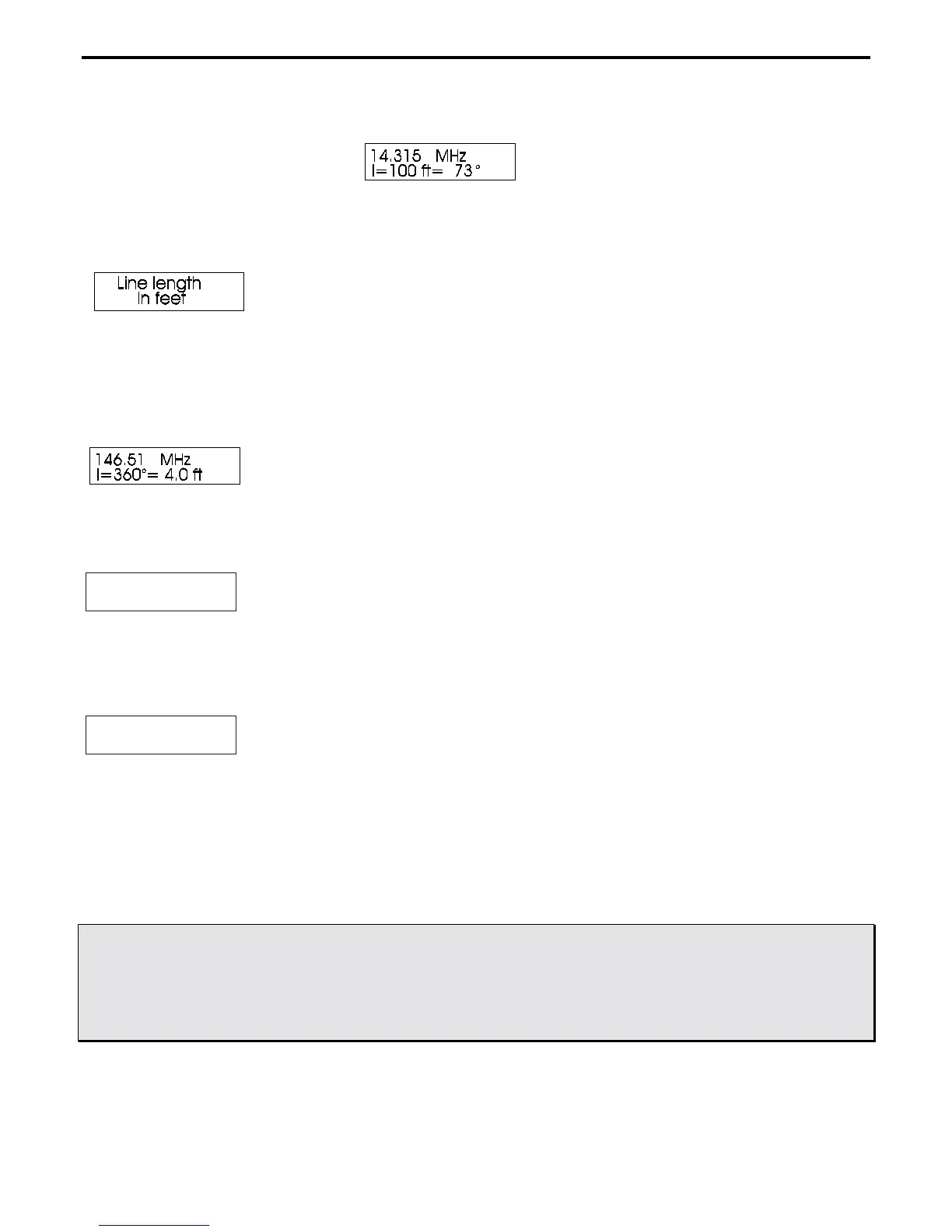
button again. A display appears showing “Line length in feet” appears and quickly changes
to:
5.) The display will now show line length for the electrical degrees entered (default is 360 degrees) for the
velocity factor entered in step 1. By adjusting the frequency controls, the analyzer will recalculate the correct
length for any frequency desired.
6.) Pressing
MODE
takes the display back to the “Velocity Factor” adjustment screen in step 2. Pressing
GATE
takes the display to a line length adjustment function that allows you to change the length in degrees.
Line length ?
l = 360
oo
7.) To increase line length in degrees, press the
GATE
button. To decrease line length in degrees, press the
MODE
button. When the desired length in degrees appears, simultaneously press and hold
GATE
and
MODE
buttons. The display will now change to:
Line length ?
l = 78
oo
7.) Pressing
MODE
takes the display to the “Velocity Factor” adjustment in step 2.
5.6 Advanced 3 (HF/VHF only)
CAUTION: THERE IS A ‘‘UHF’’ SWITCH LOCATED AT THE UPPER LEFT-HAND
SIDE OF THE ANALYZER. THIS SWITCH SHOULD BE PRESSED AND
LOCKED FOR UHF OPERATION ONLY WHEN UHF OPERATION IS DESIRED
AND ONLY AFTER THE UNIT IS POWERED UP. FOR INFORMATION ON
UHF OPERATION, SEE SECTION 3.4



 To Next Page