MFJ-269 Instruction Manual HF/VHF/UHF SWR Analyzer
32
This mode is reached by pressing and holding the
MODE
and
GATE
buttons until
“Advanced 3”
appears on the
display. This mode allows you to set the SWR reference impedance to values other than 50 ohms, and measure
line loss and SWR in systems other than 50 ohms.
Advanced 3
Note: The SWR meter does not change reference impedance in this mode. It displays the 50 ohm
SWR value, not the value selected from the display. Only the display SWR changes with the
new reference impedance setting.
5.6.1 Z Characteristic
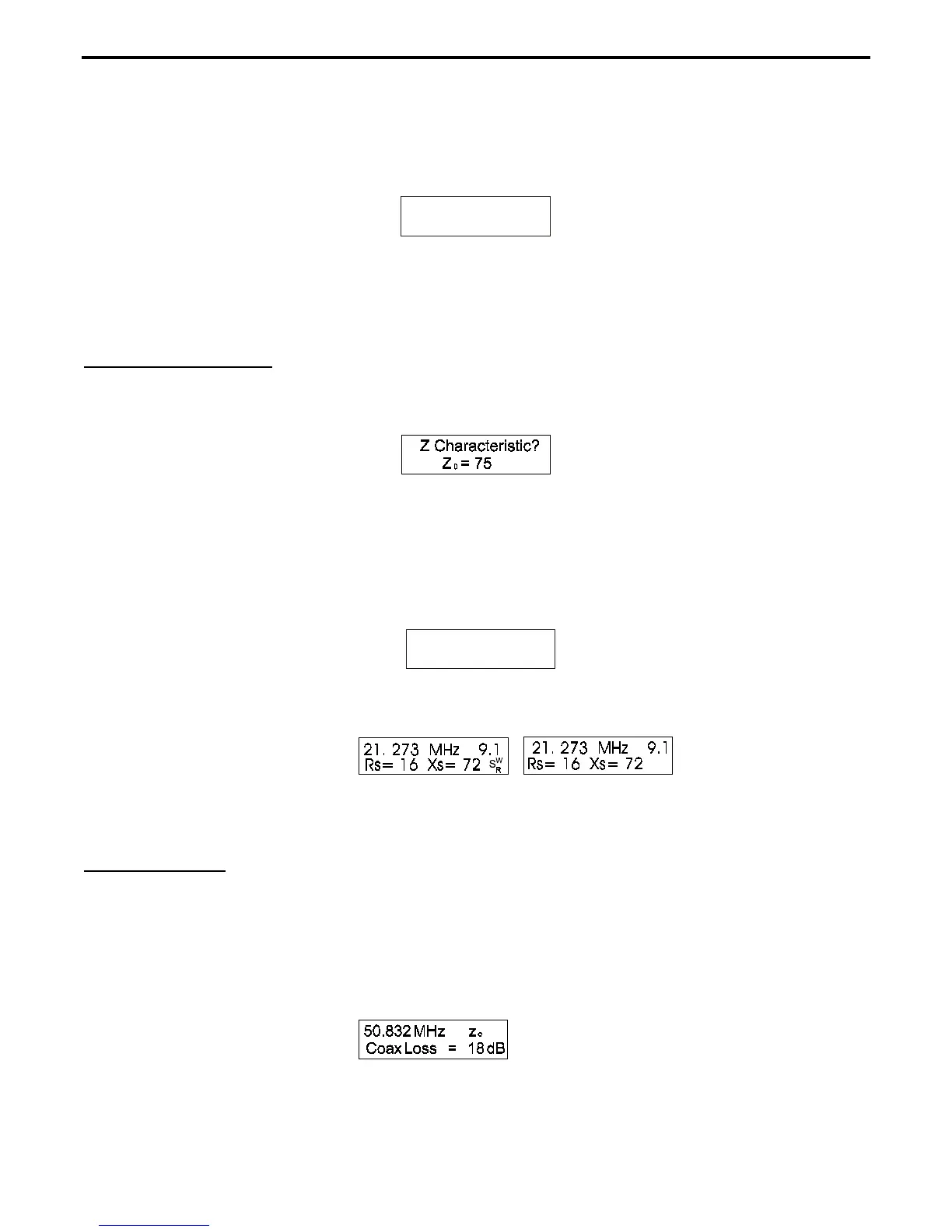
A few moments after entering Advanced 3, the display changes to
“Z Characteristic Zo= 75”:
1.) When the message shown above appears, Zo can be adjusted by pressing either the
GATE
(increase) or
MODE
(decrease) buttons.
2.) After the correct Zo is reached, press both
MODE
and
GATE
at the same time for a very short time. The
display will show:
Z Characteristic?
Z = 35
0
3.) The flashing “swr” on the display means the display is indicating SWR referenced to a new Zo. The meter
continues to indicate 50 ohm SWR.
4.) Pressing the
GATE
button alone changes the function back to the Zo setup mode. Pressing the
MODE
button alone changes the
MODE
to
5.6.2 Coax Loss
.
5.6.2 Coax Loss
Please read and use the method section 4.2.2, Coax loss before using this advanced function. That section
explains loss measurement in great detail.
This mode is reached from the Z Characteristic mode (5.6.1) by pressing the
MODE
button. In this mode,
“Zo”
flashes and
“Coax Loss”
appears on the display.



 To Next Page