MFJ-269D Instruction Manual LF/HF/VHF/UHF SWR Analyzer
26
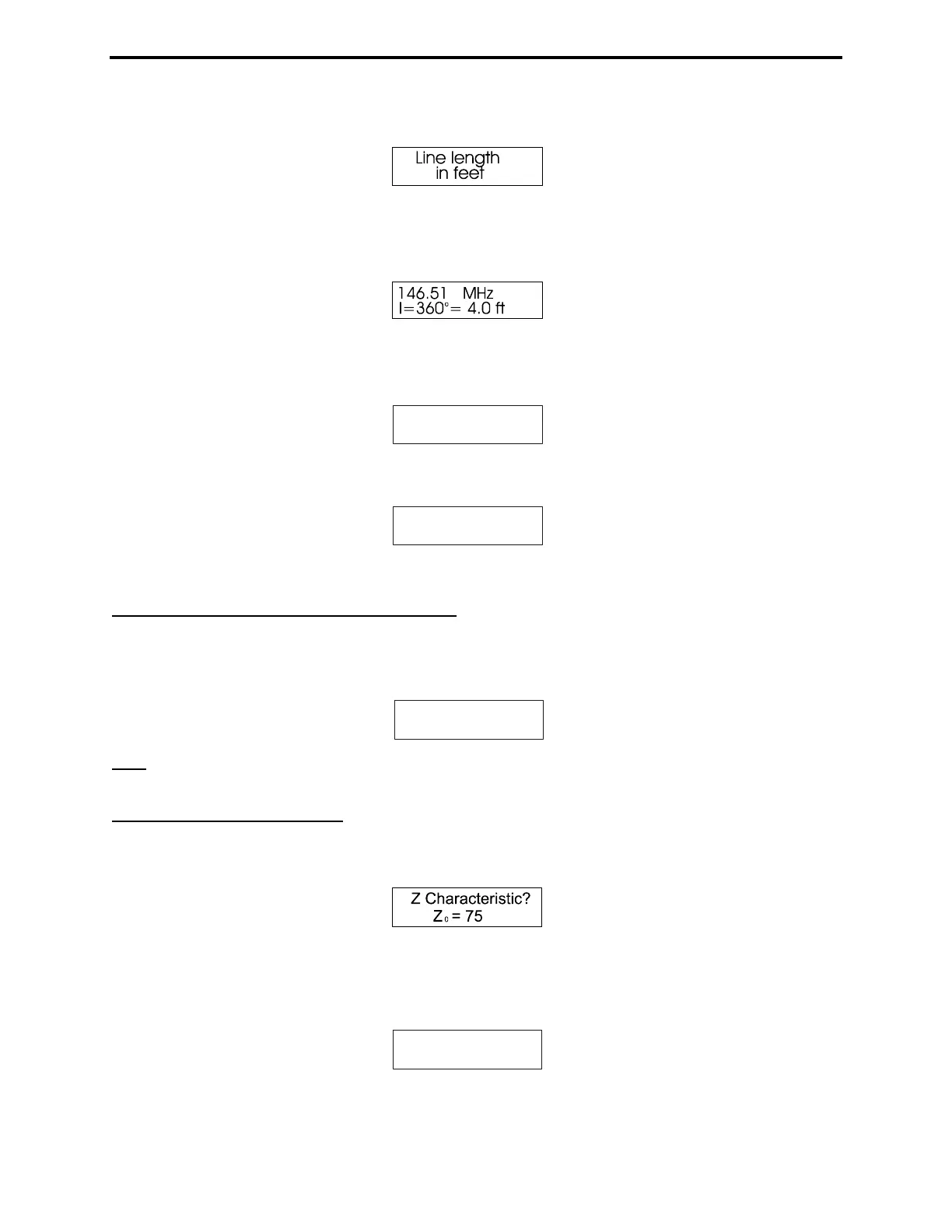
4. Press Mode again. The Line Length in Feet screen appears:
5. It then quickly changes to the data screen showing Line Length for the electrical degrees entered
(default is 360 degrees) for the velocity factor entered in step 1. Adjust Frequency, and the analyzer
will recalculate the correct length for any frequency desired (sample screen):
6. Pressing Mode shifts the display back to the Velocity Factor adjustment screen in step 2. Pressing
Gate takes the display to a Line Length adjustment function that allows you to change the length in
degrees.
l = 360
o
7. To increase line length in degrees, press Gate. To decrease it, press Mode. When the desired length
appears, simultaneously press and hold Gate and Mode to lock it in. The display will now change to:
l = 78
o
Pressing Mode shifts the display to the Velocity Factor adjustment in step 2.
5.6 Advanced 3 (LF/HF/VHF only)
To access this mode, press and hold Mode and Gate until Advanced-3 appears on the display.
Advanced-3 is used for setting the SWR reference impedance to values other than 50 ohms, and to
measure line loss and SWR in systems other than 50 ohms.
Advanced 3
Note: The analog SWR Meter does not change reference impedance in this mode. It continues to display
the 50-ohm normalized value. Only the display SWR changes.
5.6.1 Z Characteristic
After entering Advanced-3, the display changes to a default setting of Zo= 75. It also prompts the
operator to enter a different value (Z Characteristic?).
1. Zo may be re-set using Gate to increase or Mode to decrease the normalized impedance value.
2. After selecting a new Zo, press both Mode and Gate simultaneously to lock it in The display will
show (sample screen):
Z Characteristic?
Z = 35
0



 To Next Page