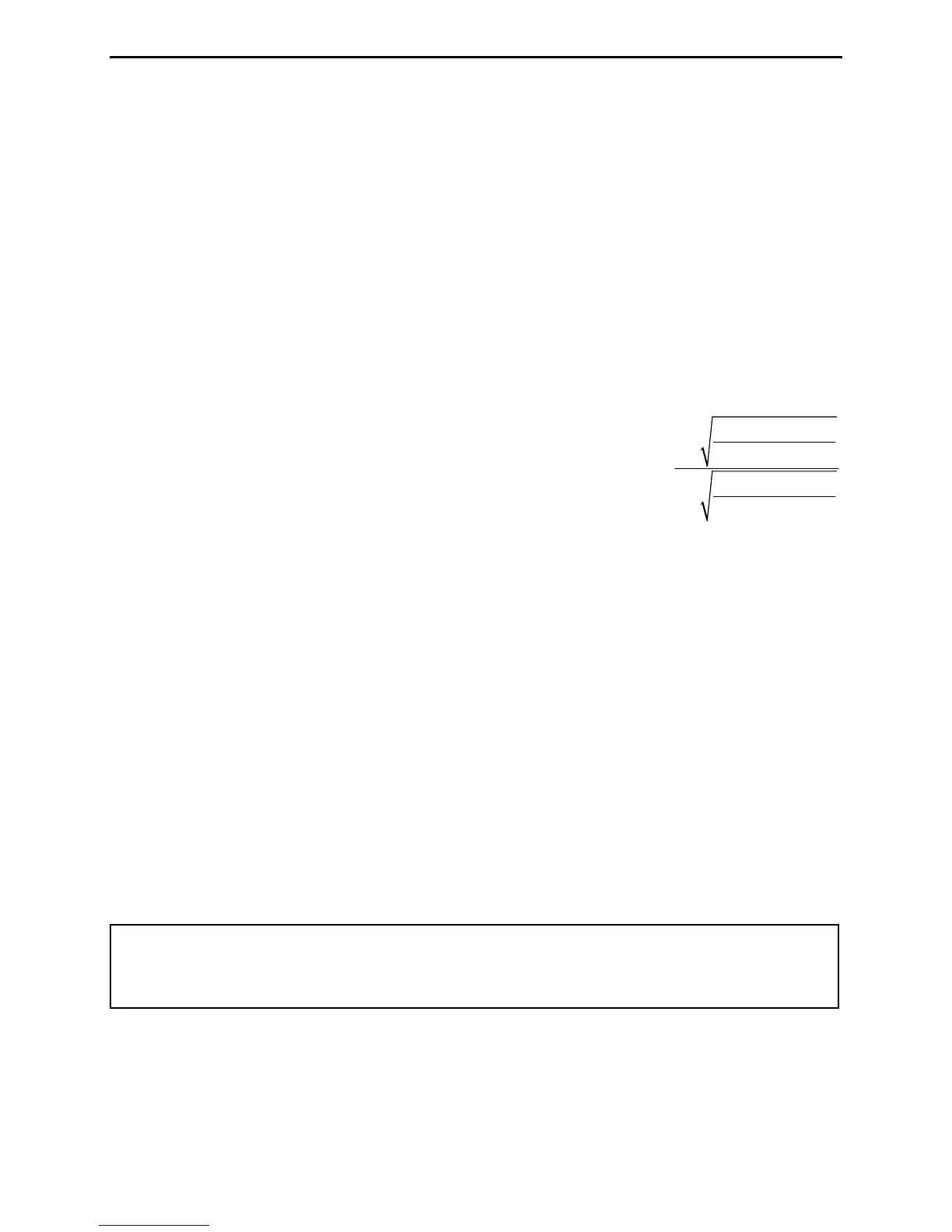
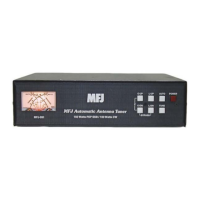
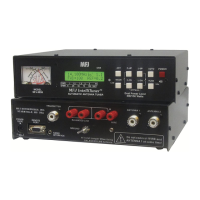
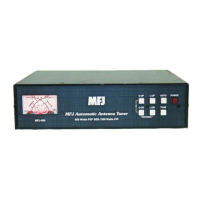
MFJ-993 IntelliTuner Automatic Antenna Tuner Instruction Manual
© 2003-2004 MFJ Enterprises, Inc.
9
To toggle between the high and low meter ranges, press the [TUNE] and [L-DN] buttons simultaneously.
The forward needle will read “300” for high range and “30” for low range until the buttons are released.
On the main LCD screen, in the high range a small dot appears in the lower right corner of the screen. No
dot appears in the low range. One beep indicates high range is selected; two beeps indicate low range is
selected. Refer to Figure 10 for the on-screen Meter Range indicator.
The meter can be set to auto range. Auto range automatically sets the meter scales according to the input
RF power to the tuner. Forward power greater than 30 watts or reflected power greater than six watts
automatically sets the meter to the high power range. Forward power less than 25 watts and reflected
power less than four watts automatically set the meter to the low power range. To toggle auto range on
and off, press the [TUNE] and [C-DN] buttons simultaneously. The reflected needle will read “60” for
auto range ON and “5” for auto range OFF. When auto range is on, a two-dot vertical segment appears in
the lower right corner of the screen. One beep indicates auto range on and two beeps indicate off. Refer
to Figure 10 for the on-screen Auto Range indicator.
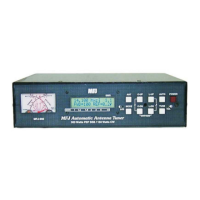
The SWR is read from the eight red SWR curves that range from
1.0 to infinity. The SWR is measured by observing the point
where the forward and reflected power needles cross on the red
curved scales across the center of the meter. No cumbersome or
time-consuming SWR sensitivity adjustments are required with
this meter. Figure 6 shows an SWR of approximately 2.0.
The meter also indicates various operational states of the tuner. Refer to “Meter Codes and Audible
Beeps” on page 16 for more details.
The MFJ-993 also includes an SWR bar meter and an aural SWR indicator, selectable by pressing [L-UP]
and [L-DN] buttons simultaneously. It also has bar meters for forward and reflected power.
The Menus
Main Mode Menus
The main mode menus show various tuner settings and status. There are four main mode menus arranged
in a “wrap-around” structure. When powered on, tuner operation starts with the main menu that was last
used. Within each main menu, press the [MODE] button briefly to view the next main menu. Press and
hold the [MODE] button for two seconds to enter the setup mode (see below). Various tuner indicators
are shown on all four main menus: Antenna 1/2, Memory, IntelliTune
TM
, Auto/Semi, StickyTune, SWR
Beep, LC Limit, and Meter Range. Refer to Figures 9 and 10 for details on the displayed information.
Note: In sideband mode, the frequency readout on the tuner display jumps around to different
frequencies while transmitting and stops on another frequency when un-keyed. This is
normal and is a characteristic of sideband mode, because sideband signals jump up and
down in frequency.
Digital Wattmeter Menu
Shows the frequency, SWR, and forward and reflected power in watts.
reflected power
1
forward power
reflected power
1
forward power
SWR
+
=
−



 To Next Page