Set up output mode
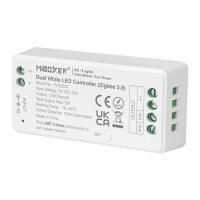
Set up correct output mode based on the feature of lights
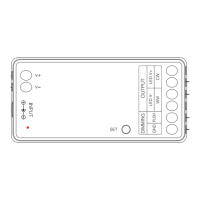
Seng method: Press "SET" buon connuously to switch output mode (aenon: it
will log out without operaon within 3 seconds)
Output mode sheet ( confirm output mode based on color of indicator)
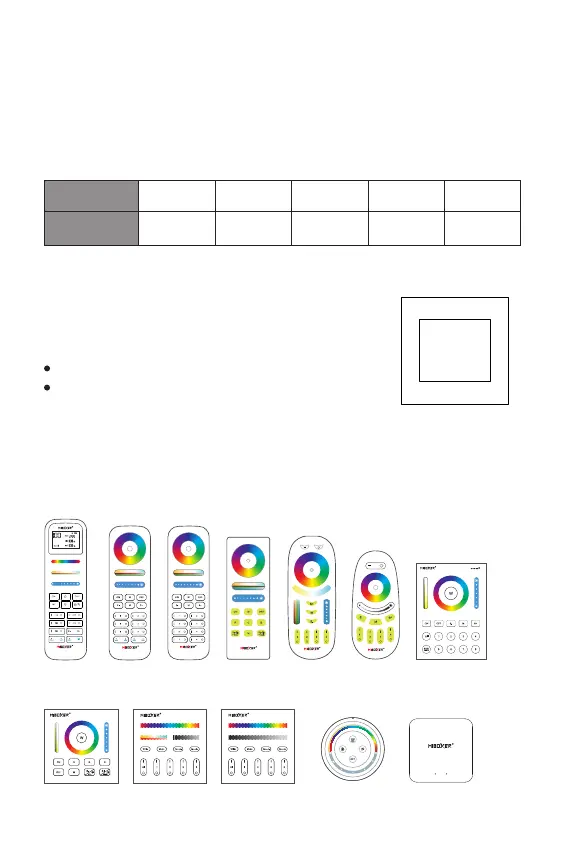
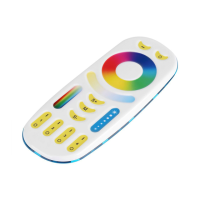
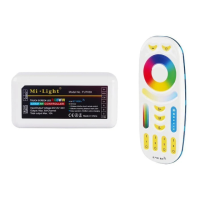
Compable with these 2.4G RF remote controls
(Purchased separately)
PUSH
PUSH Dimming
Short press PUSH switch:
Turn ON/OFF light
Stepless dimming brightness.
Long press PUSH switch:
Long press and release your finger, then repeat long pressing
to increase or decrease brightness.
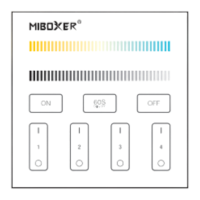
B4 / B4-B / T4
B3 / B3-B / T3
FUT089
FUT089-B
FUT092
FUT092-B
FUT088
FUT096
FUT096-B
B8
B0 / B0-B
S2W+
FUT089S
FUT100
WL-Box2
⸺ 3 ⸺
RGBOutput RGB+CCT
Red Light
Dual White
Yellow Light
Single Color
White LightIndicator color Blue Light
RGBW
Green Light


 To Next Page