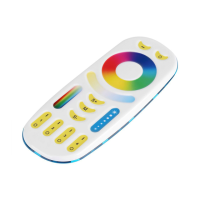
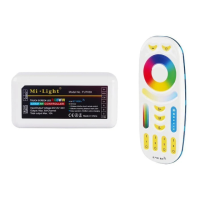
App turn on and off “Do Not Disturb” mode instrucon (check details in page 8)
6). “Do Not Disturb” mode is acvated and shut down (default acvated)
Turn on “Do Not Disturb” mode (wide using in the area which have power failure
frequently to save energy)
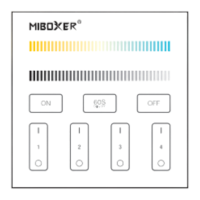
Press “OFF” buon three mes within three seconds and press “ON”
buon three mes, Acvated successfully once led light flashes four mes
quickly.
Aenon: Do not disturb mode is acvated
1. When the light is OFF status (For example: Use app or remote to turn off light)
The light is ON status once you turn off and turn on power one me.
2. When the light is ON status
The light is OFF status once you turn off power and turn on again.
(User must turn off and turn on power twice mes to acvate light
or use APP / remote to acvate light)
Press “ON” buon three mes within three seconds and press “OFF”
buon three mes, closed successfully once led light flashes four mes
slowly.
Aenon: The light will be always “ON” status if you turn on and turn off
power once user closed “Do Not Disturb” mode.
Turn off “Do Not Disturb” mode:
Turn on “Do Not Disturb” mode:
2.4G RF Remote turn on and turn off instrucon
Smartphone APP control instrucon
Network Configuraon (Don’t support 5G router)
1. Download and install [Tuya Smart] app
Search for [Tuya Smart] in Apple or Google store or scan
following QR code to download and install the app.
Please open the app click " Register " buon to
create account while using it in the first me,
Log in directly if you already had account.
⸺ 7 ⸺


 To Next Page