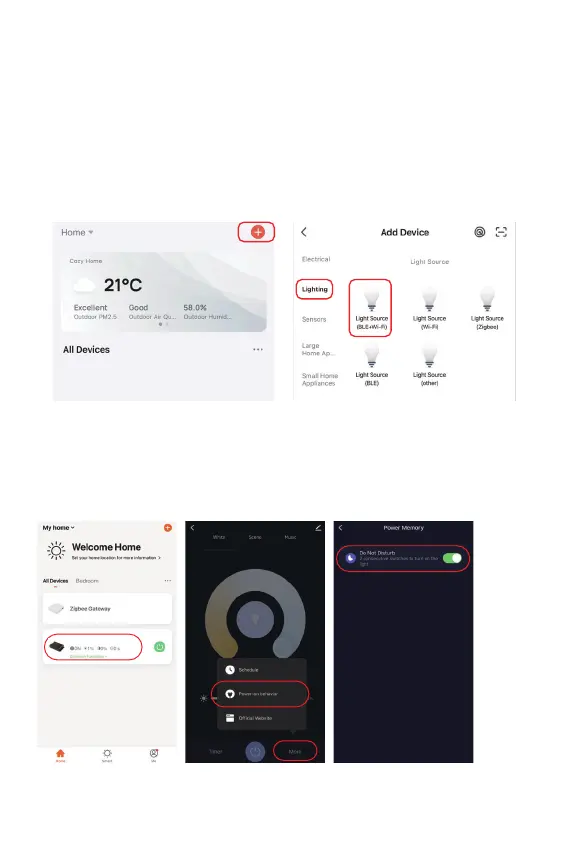
Click the light which need to be set up or group control --- click “More” --- click “Power-on behavior” ---
turn on or off
App turn on and off “Do Not Disturb” mode (default acvated)
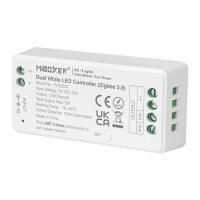
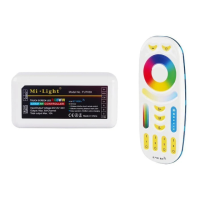
5 in 1 Controller
2. Network Configuraon
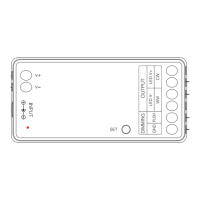
(1) Connect controller with power supply.
(2) Confirm indicator light is flashing quickly (2 flashes per second),
If indicator light isn't in fast flashing state, there are two ways to enter:
● Long press " SET " key unl indicator light flashing quickly.
● Power off and on controller 6 mes.
(3) Connect phone with home WiFi network in the 2.4GHz frequency.
(4) Open homepage of app and click " + " buon at the upper right corner of page.
(5) Click " Lighng " on the le side of page and then click " Light Source (BLE+Wi-Fi) "
(6) Follow app prompts to complete configuraon.
⸺ 8 ⸺


 To Next Page