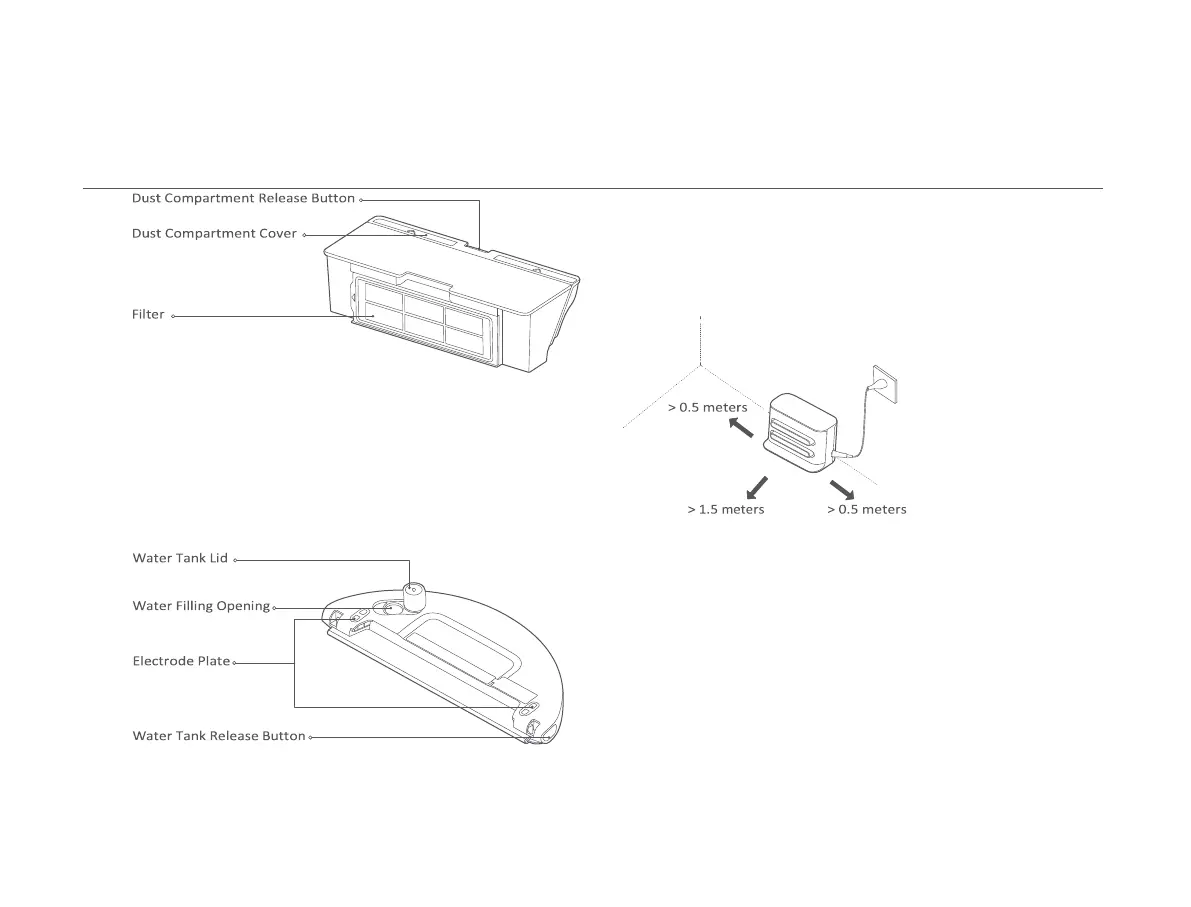
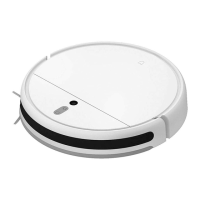
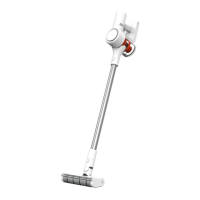
Dust Compartment
Note: The dust compartment must be installed for both vacuuming mode and
vacuuming & mopping mode, otherwise the vacuum-mop cannot be turned on.
Water Tank (Used for Vacuuming & Mopping Mode)
Note: The water tank may contain a small amount of residual water due to quality
inspection. This is normal.
07
Installation
Placing the charging dock against a wall and connecting it to an electrical
outlet
Note:
• Do not place the charging dock in an area with direct sunlight.
• Make sure there are more than 1.5 meters of clearance in front of the charging dock and more than
0.5 meters on either side of it.
• Tidy up any loose power cord to prevent the vacuum-mop from getting tangled, which could
accidentally move or unplug the charging dock.
Removing the protective strips
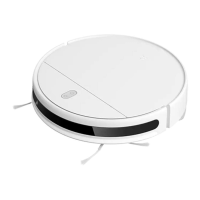
Before using the vacuum-mop, remove the protective strips from each side.



 To Next Page