Charging
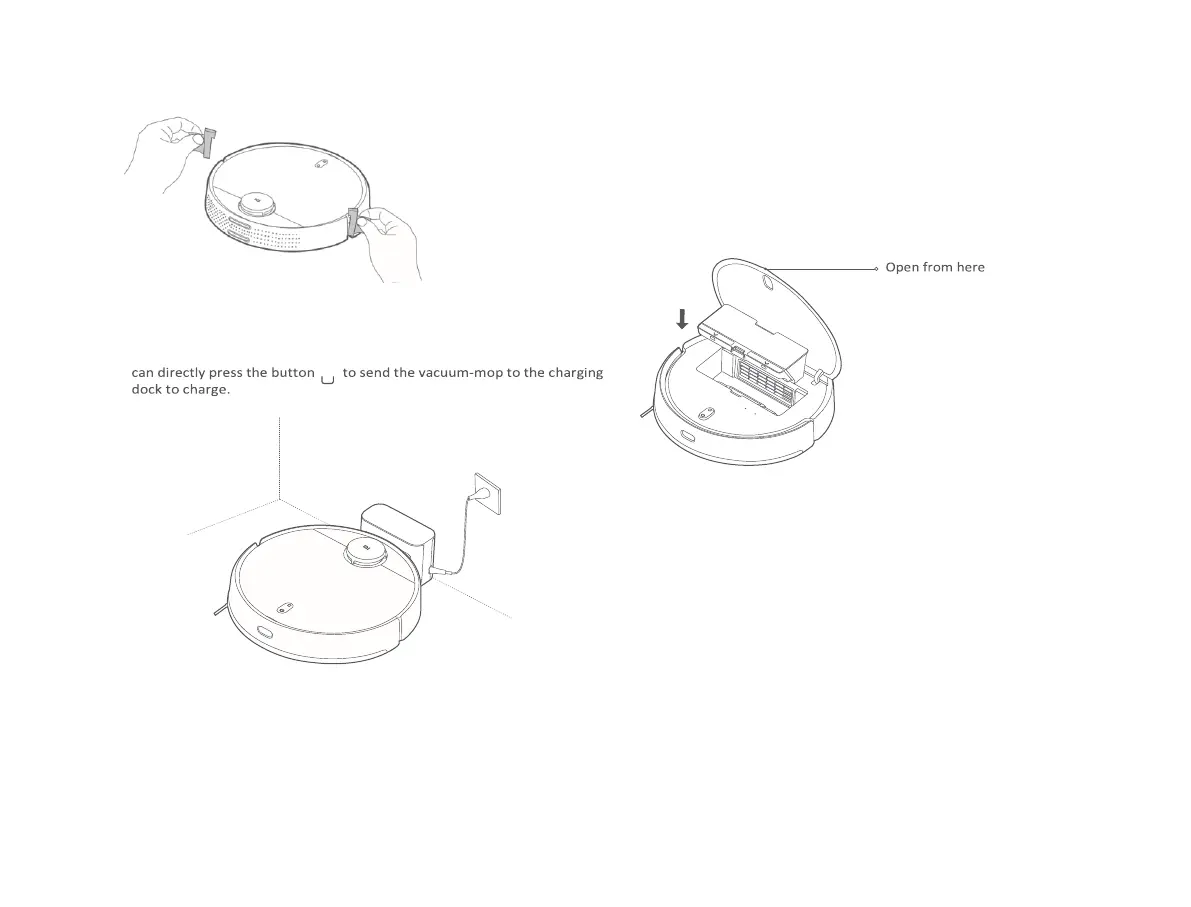
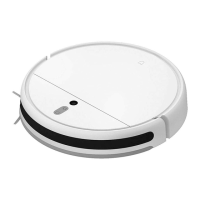
When using the vacuum-mop for the first time, manually place it against
the charging dock to charge. Ensure that the charging contacts on both the
vacuum-mop and the charging dock are aligned. During daily use, you
Note:
• If the vacuum-mop cannot be turned on due to a low battery, put it against the charging dock to
charge.
• The vacuum-mop will automatically turn on when it is on the charging dock, and cannot be
turned off while charging.
08
Installing accessories for the desired mode
Vacuuming mode (install dust compartment):
Open the cover of the vacuum-mop, and install the dust compartment into
the vacuum-mop until it locks into place.
Note: Regularly cleaning the dust compartment can prevent dirt from building up.
Otherwise, the performance of the vacuum-mop may be reduced.
Vacuuming & mopping mode (install dust compartment, water tank, and mop pad):
1. Slide the mop pad along the slot of the water tank, and then attach the pad
firmly onto the velcro.



 To Next Page