MDM25 User’s Manual
10 97234 Issue 4, January 2018
OPERATION
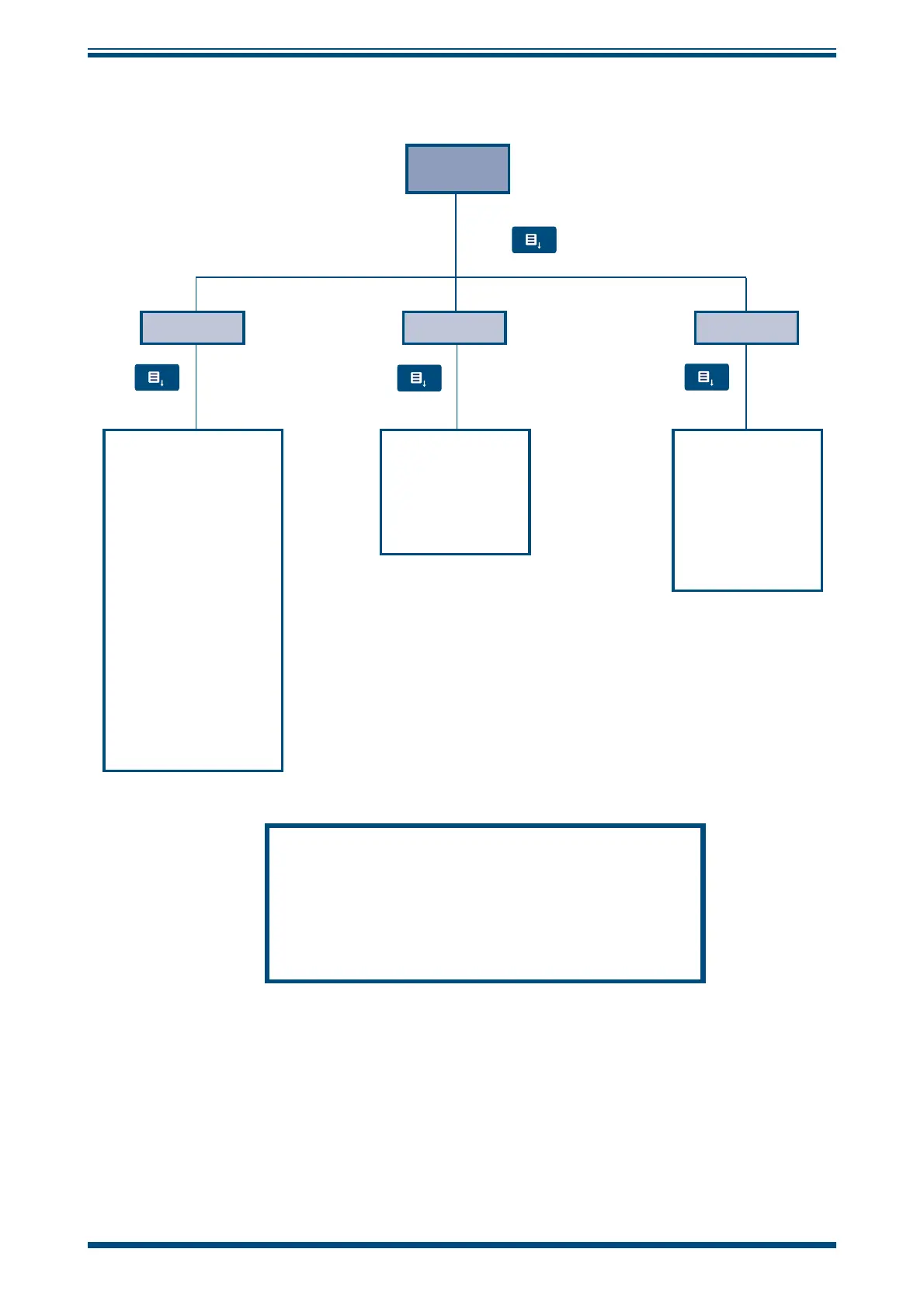
3.2.2 Device Settings
DEVICE
AUTO OFF
To save battery life the
Auto O automatically
switches o the device if
it is not in use.
By pressing the Up and
Down Keys the period of
inactive time before
power-o can be set to
between 1 and 20
minutes or disabled
entirely.
Steps of 1 min up to 10
Steps of 5 mins from 10
to 20
∞ - AUTO OFF disabled
TEMP UNITS
By pressing the Up
and Down Keys
temperature units
can be selected as
either Celcius or
Fahrenheit
3RD VALUE
By pressing the Up
and Down Keys the
3rd value option can
be set to read:
Dew point
Abs Hum
Wet Bulb or
None
Press
Press
Press
Press
To store these settings in the memory, press the Menu
button to return to the Main page. When the hand meter
is turned on again this setting is saved.
To store the settings for ONLY the current session, press
the Left Key
Figure 7
Device Settings Menu


 To Next Page