MDM25 User’s Manual
2 97234 Issue 4, January 2018
INTRODUCTION
1.1 Description
1.1.1 Controls and Indicators
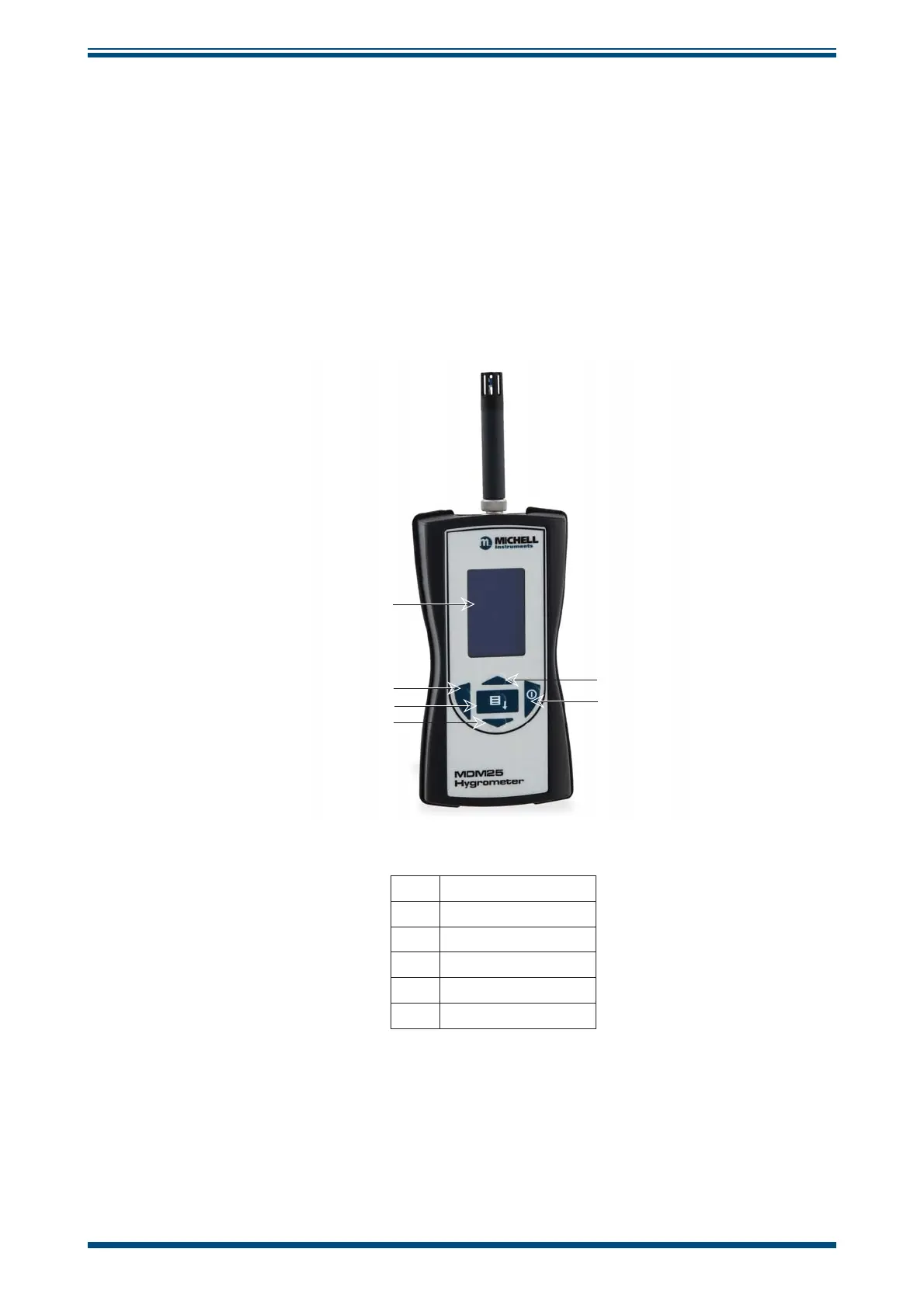
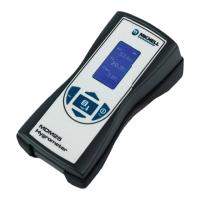
The controls and indicators associated with the MDM25 hygrometer are located on the
front panel.
The probe connection to the MDM25 hygrometer is made to the top panel, and the
battery charger cover is located on the rear of the instrument.
Figure 1
shows the layout of the controls.
h
h
h
h
h
h
1
2
3
4
5
6
1 Display
2 Left and Exit Key
3 Enter Key
4 Down Key
5 Up Key
6 Power Key
Figure 1
Controls and Indicators


 To Next Page