7. Functions Explanation
a. Voice Monitor:
* Set admin number by this sms command:
admin123456+space+mobile number with country code
* Switch the tracker to voice monitor mode
by this sms command:
monitor123456
b. Vibration Alert:
This vibration alert function just work under stationary
status. How to use this function:
* Enable the device to enter into arm mode by this
sms command:
111
* Conifgure the alarm ways by this sms command:
vibalm123456
* Set admin number by this sms command:
admin123456+space+mobile number with country code
* Keep the device under stationary status more than 5min to let it enter into sleep arm mode;
* Vibrate the device then the tracker will send the vibration alarm messages
* Dial the sim number of the tracker from the admin
number, then the tracker will pick up the call automatically
and you will can remote monitor the voice around it.
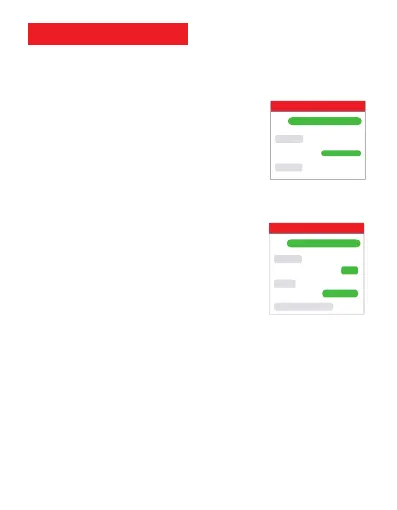
For example:
admin123456 0086134********
admin ok
monitor ok
MV33
monitor123456
For example:
admin123456 0086134********
admin ok
arm ok
MV33
111
vibrate sms alarm set ok
vibalm123456
Please follow with the quick user guide carefully!



 To Next Page