4. Package Content
GPS Main Unit
Function Cable
Pick
Harness
User Guide
Genuine Packing Box
x 1
x 1
x 1
x 1
x 1
x 1
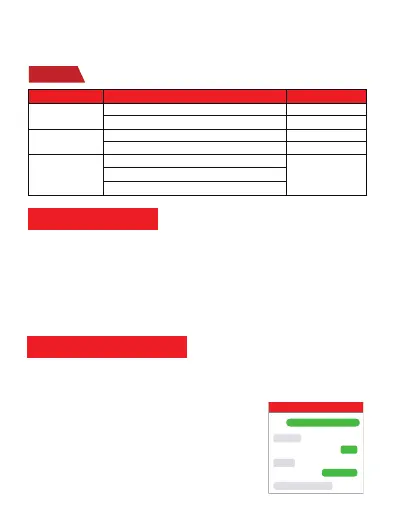
LED
Event State
State
Searching for network
GSM LED (GREEN)
Network has been registered Flash every 1 second
Solid
Flash every 1 second
Solid
GPS has fixed
GPS is in fixing
Device is working but stopped more than 5min
Device has not been turn on
Device ran out of battery
GPS LED (Blue)
ALL LED ALL LED TURN OFF
5. Functions Explanation
a. Vibration Alert:
This vibration alert function just work under stationary
status. How to use this function:
* Enable the device to enter into arm mode by this
sms command:
111
* Conifgure the alarm ways by this sms command:
vibalm123456
* Set admin number by this sms command:
admin123456+space+mobile number with country code
For example:
admin123456 0086134********
admin ok
arm ok
MV730
111
vibrate sms alarm set ok
vibalm123456
Please follow with the quick user guide carefully!
Note: The APN information is very important, it must 100% correct to match with the sim card of
the tracker, if you configured wrong APN, the tracker also will reply "SET APN ok" but it will
can't get online!
Step 5
Indicator status description



 To Next Page