11
©2021 Micro-Air Corp May 20, 2021, revision 1.4
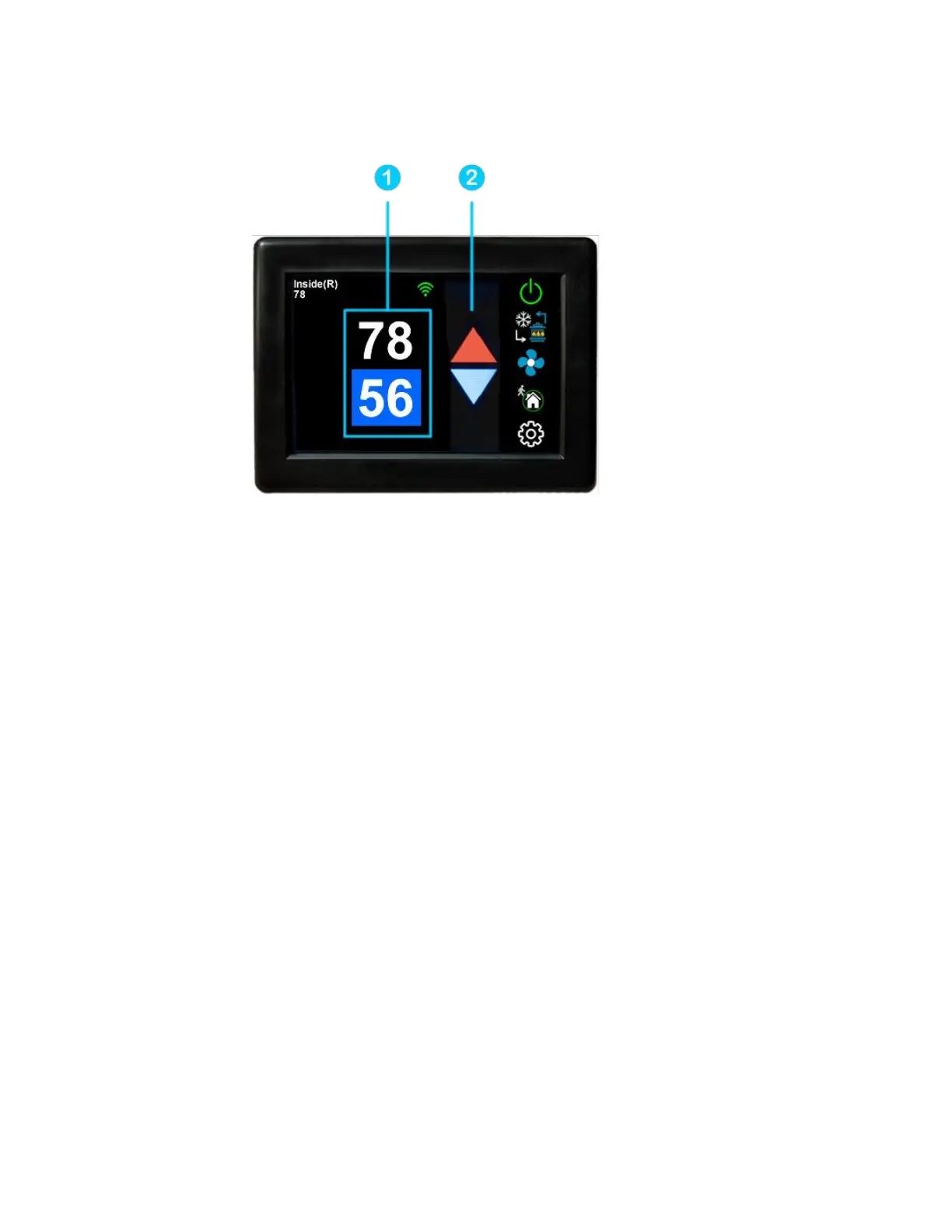
Away screen (Heat and cool set points)
Away operation allows setting upper and lower limits for temperature with a non-operating
area or “dead band” in the middle. This can be useful when setting a higher daytime cooling
temperature and lower night time heating temperature. It can also be used to control the temperature
extremes when you are away from the RV. The mode selected must be an automatic mode to allow
both heating and cooling operation.
1. Press the upper or lower value to select the value to change. A blue square will show around
the value you are changing. The upper value changes the cooling set point and the lower value changes
the heating set point.
2. Use the up and down arrows to change the selected temperature value.



 To Next Page