12
MANUAL AUDIOMETRY
To insure that pending data is cleared, always begin a new test via the main menu
sequence ⌐NEW TEST to clear pending test data.
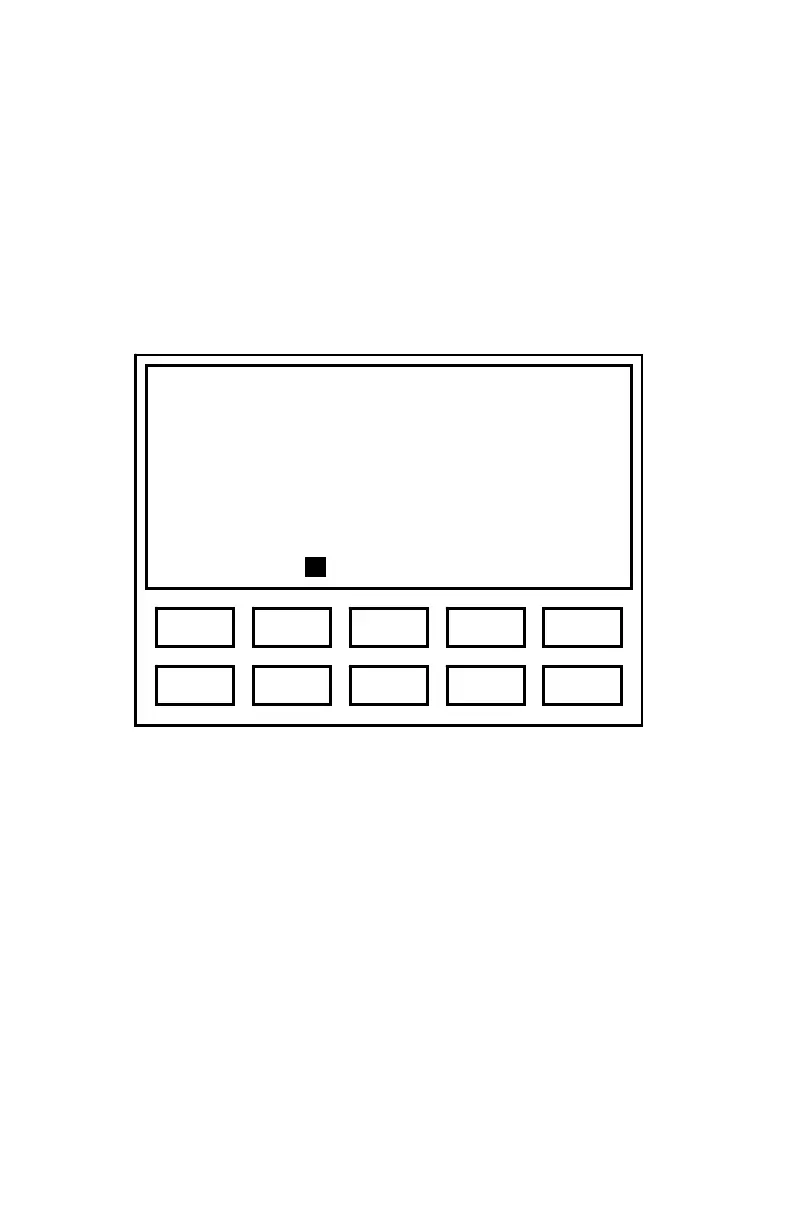
When the ES3 enters manual audiometry mode, the screen format shown in
Figure 3 will be displayed (assumes factory defaults for starting frequency and
level).
Figure 3. Manual Audiometry Display
Once a threshold has been obtained, the display will change to show the threshold
value (the ‘m’ indicates threshold was obtained via manual testing; see Figure 4).
Frequency 1000 Hz
Level 20 dB
Ear Right
Untested
Auto L/R Send Clr Talk
3 1 5 2 4
8 6 0 7 9



 To Next Page