16
AUTOMATIC THRESHOLD AUDIOMETRY
To insure that pending data is cleared, always begin a new test via the main menu
sequence ⌐NEW TEST to clear pending test data.
The automatic threshold test option performs a modified Hughson-Westlake test.
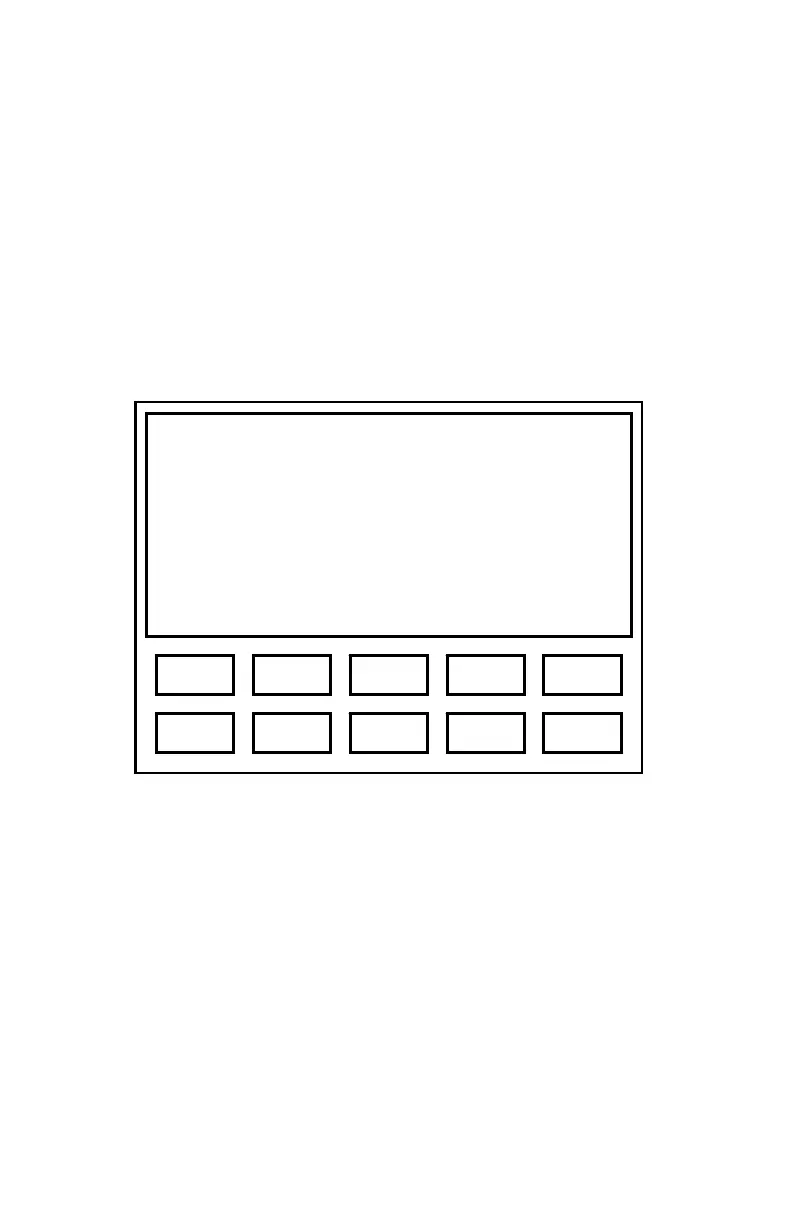
Figure 5 shows the display format used for Automatic Threshold tests. This
example indicates that a threshold of 25 dB was registered in automatic test mode
(indicated by “a”) for 3000 Hz at the left ear.
Figure 5. Automatic Threshold Display
Automatic Threshold Function Key
Pressing {1} (Man) during an automatic threshold exam will stop the test and return
the ES3 to the manual audiometry mode. Note that exiting the test does not clear
test data. The test may be re-entered and continued from the point at which it was
interrupted.
Frequency 3000 Hz
Level 25a dB
Ear Left
Man
3 1 5 2 4
8 6 0 7 9



 To Next Page