13
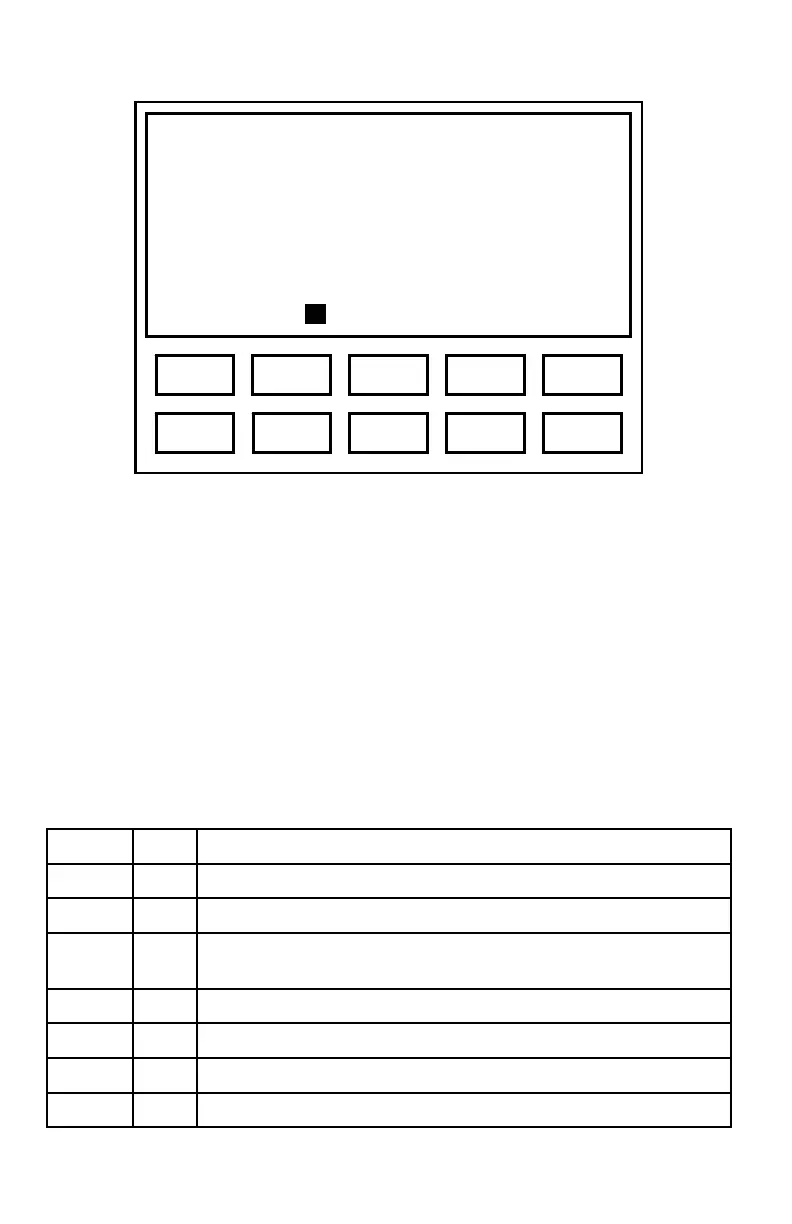
Figure 4. Display of Threshold
The threshold may be cleared (Clr) by pressing key {4} (e.g., to retest a threshold).
Only the currently-displayed threshold will be cleared.
The test ear, signal mode, starting frequency and starting level are all user
selectable, so these values may differ from the ones shown. The example shown
indicates that threshold of 20 dB has been obtained for the right ear at 1000 Hz.
Manual Audiometry Key Functions
Table 2 lists the functions of ES3 keys that are active in the manual audiometry
mode. The last column indicates the action of the function keys.
Table 2. Manual Audiometry Key Functions
{◄}/{►} Select next lower/higher enabled frequency (Hz)
{▲}/{▼} Increase/decrease level by current step size (dB)
{1}
Auto Exit manual test mode and enter automatic test mode
{2}
L/R Toggle between Left and Right ear, or among Left, Right and
Binaural if binaural testing is enabled
{3}
Send Send the test data to computer or printer
{4}
Clr Clear the current threshold
{5}
Talk Exit test mode and enters talk over mode
{Menu}
Exits manual test mode and enters the menu system
Frequency 1000 Hz
Level 20m dB
Ear Right
Auto L/R Send Clr Talk
3 1 5 2 4
8 6 0 7 9



 To Next Page