Copyright 2010 - Microener
3. CONTROLS AND MEASUREMENTS
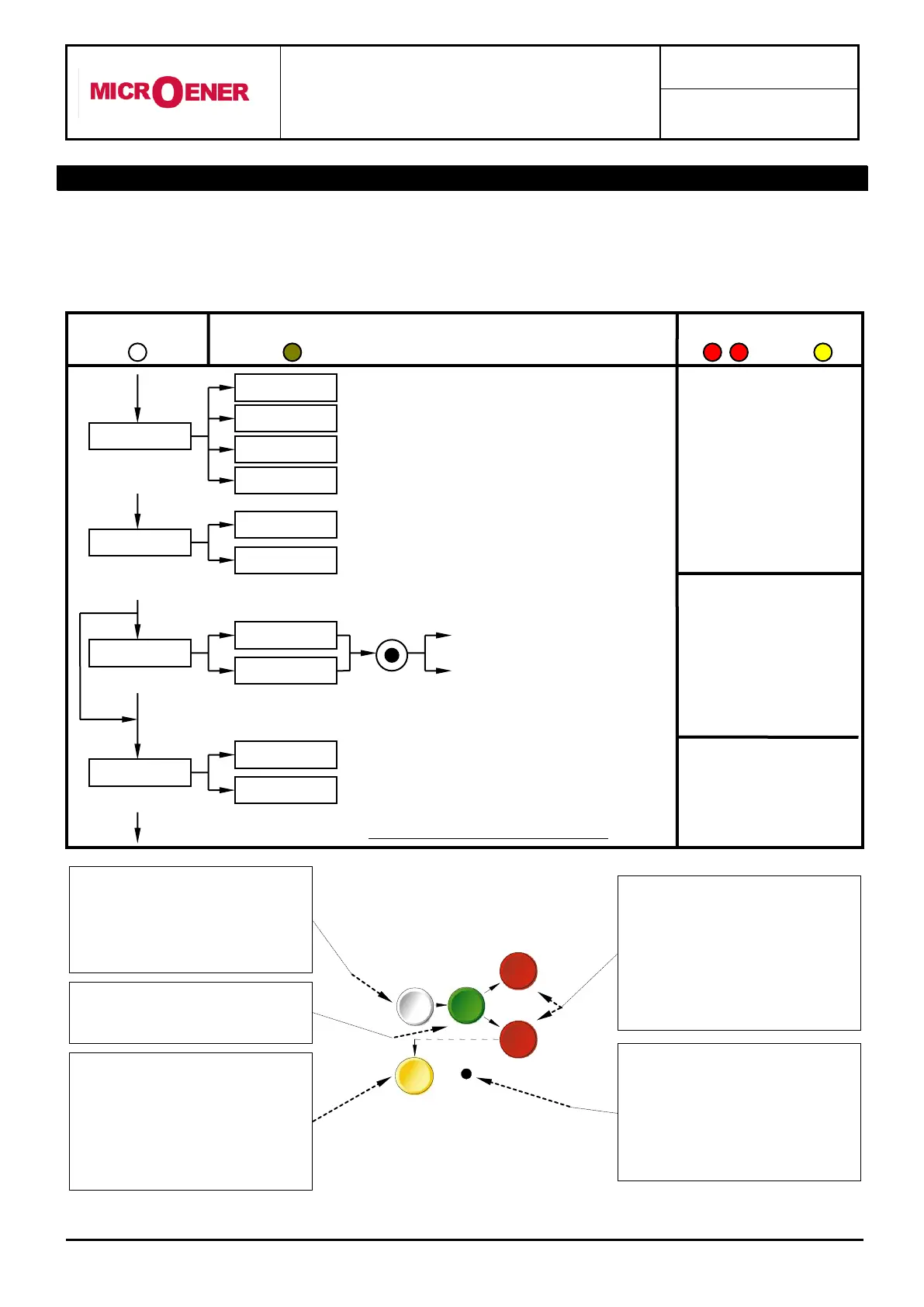
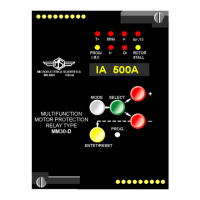
Five key buttons allow for local management of all relay's functions.
A 8-digit high brightness alphanumerical display shows the relevant readings (xxxxxxxx)
(see synoptic table fig.1)
FIG.1
Actual measurement values
Values measured at last five events
N° of tripping for each function
Display of configuration of output relay
Configuration of output
relays
Test with operation of signals and output relays
Test with operation of signals
only
Test activation
by the key ENTER
Paramater scanning
by the key
SELECT
Parameter modification
by the key “+” “-”
Set validation
by the key ENTER
Scanning of
the menus by
the key
“+” “-”
(*) Enabled only if input current is zero
The SELECT button chooses
which category of values within the
chosen mode to display
Pressing this button progressively
selects between
Measurements Display,
Setting Display, Programming,
and Test modes
When in Program mode, this
button stores the newly selected
value. If not in Program mode and
the relay has tripped, this button
resets the relay and all output
contacts. If not tripped, this button
restores the default display.
The + and - buttons are used to
select the actual measurement or
display desired when in
Measurements Display or Settings
Display modes. When in Program
mode, these buttons increase or
decrease the value of the
displayed setting.
When in Program mode, and when
all input currents are zero,
pressing this recessed button
places the relay into active
programming mode, allowing any
or all of the relay’s settings to be
altered.


 To Next Page