Copyright 2010 - Microener
9. KEYBOARD AND DISPLAY OPERATION
All controls can be operated from relay's front or via serial communication bus.
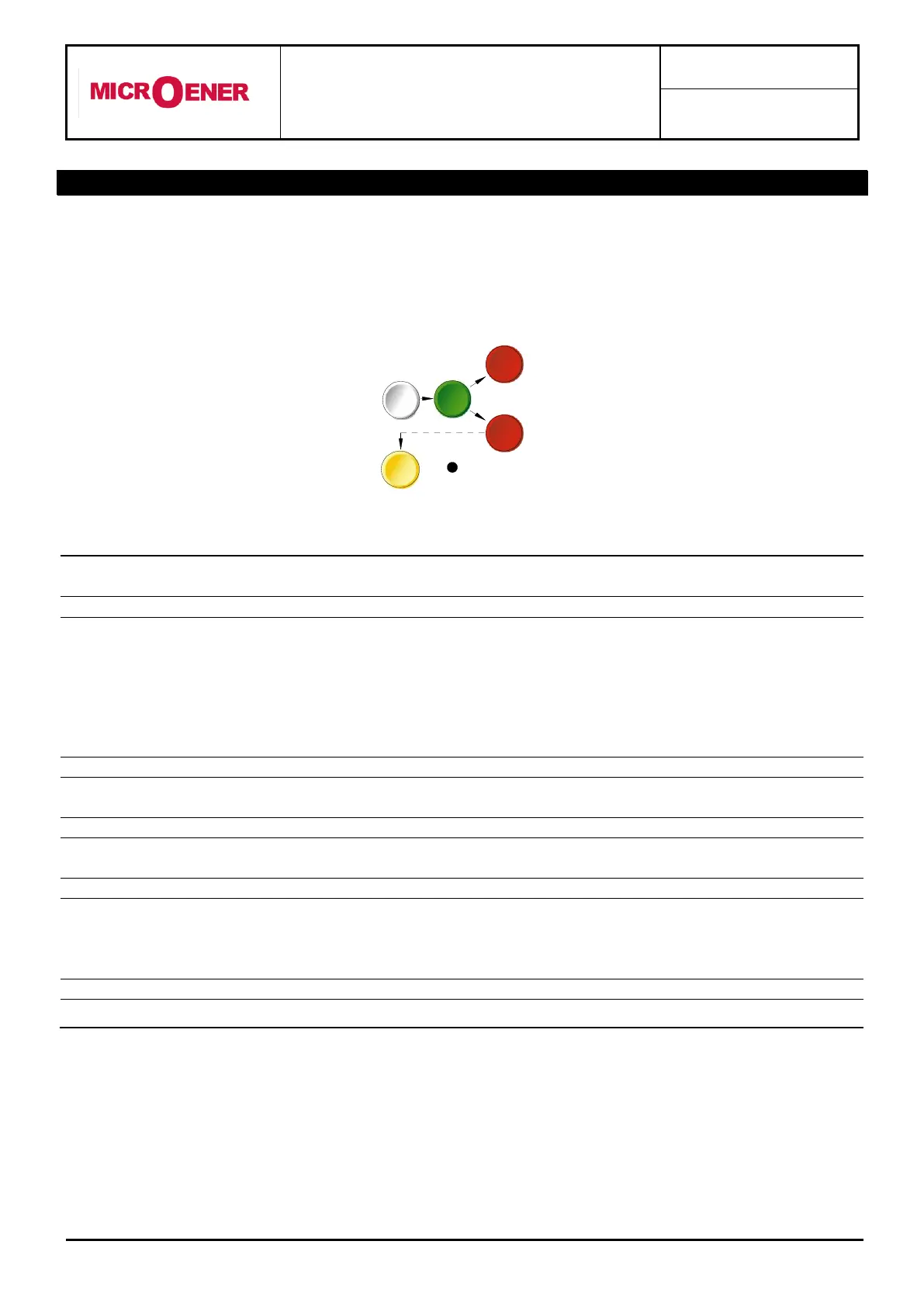
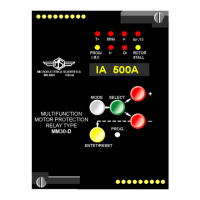
The keyboard includes five hand operable buttons (MODE) - (SELECT) - (+) - (-) - (ENTER/RESET)
plus one indirect operable key (PROG) (see synoptic table a fig.1):
when operated it enters one of the following operation modes
indicated on the display :
Reading of all the parameters measured and of those recorded
in the memory
Reading of the settings and of the configuration of the output
relays as programmed.
Access to the programming of the settings and of relay
configuration.
Access to the manual test routines.
When operated it selects one of the menus available in the
actual operation MODE
When operated they allow to scroll the different information
available in the menu entered by the key SELECT
It allows the validation of the programmed settings
the actuation of test programs
the forcing of the default display indication
the reset of signal Leds.
Enables access to the programming.


 To Next Page