22
7.2.1 AC Meter
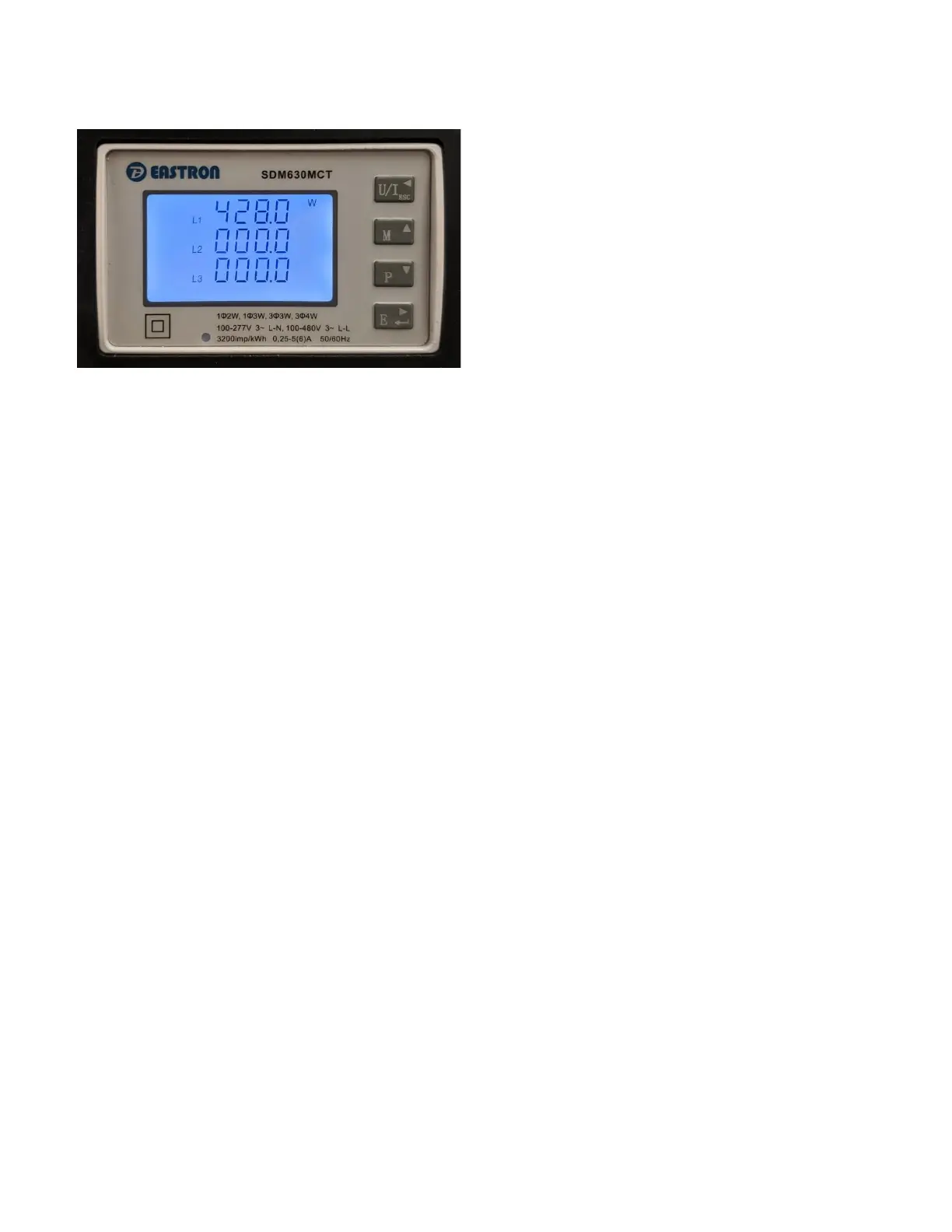
The AC meter can be found on the lower right of the Power Pak’s front panel. This meter provides accurate
information on how much power is being used. This can be helpful in planning when or whether to use
certain appliances, or when considering system upgrades. You can also use the power reading to determine
how much power is being used by an individual device or appliance.
The AC meter is connected to the Power Pak’s internal inverter and thus is meant to show power output from
it, so is useful for Solar Priority mode operation.
When the Power Pak first is powered up the AC meter goes through a power test and the display will flash
through a few different screens. Then the default measurement screen will appear.
The AC meter has different modes of display, which allow you to switch between a dispay of the voltage,
current and power delivered by each line, as well as the total energy delivered.
NOTE: the MINI has a single line, so only the L1 values are meaningful. For the COMPACT and GRANDE, L1 and
L2 values are meaningful.


 To Next Page