EasyManua.ls Logo

Microgreen Power Pak - User Manual

Microgreen Power Pak
43 pages
Print Icon
To Next Page IconTo Next Page
Loading...
MICROGREEN SOLAR CORP.
1-888-684-8868
info@microgreen.ca
Microgreen.ca
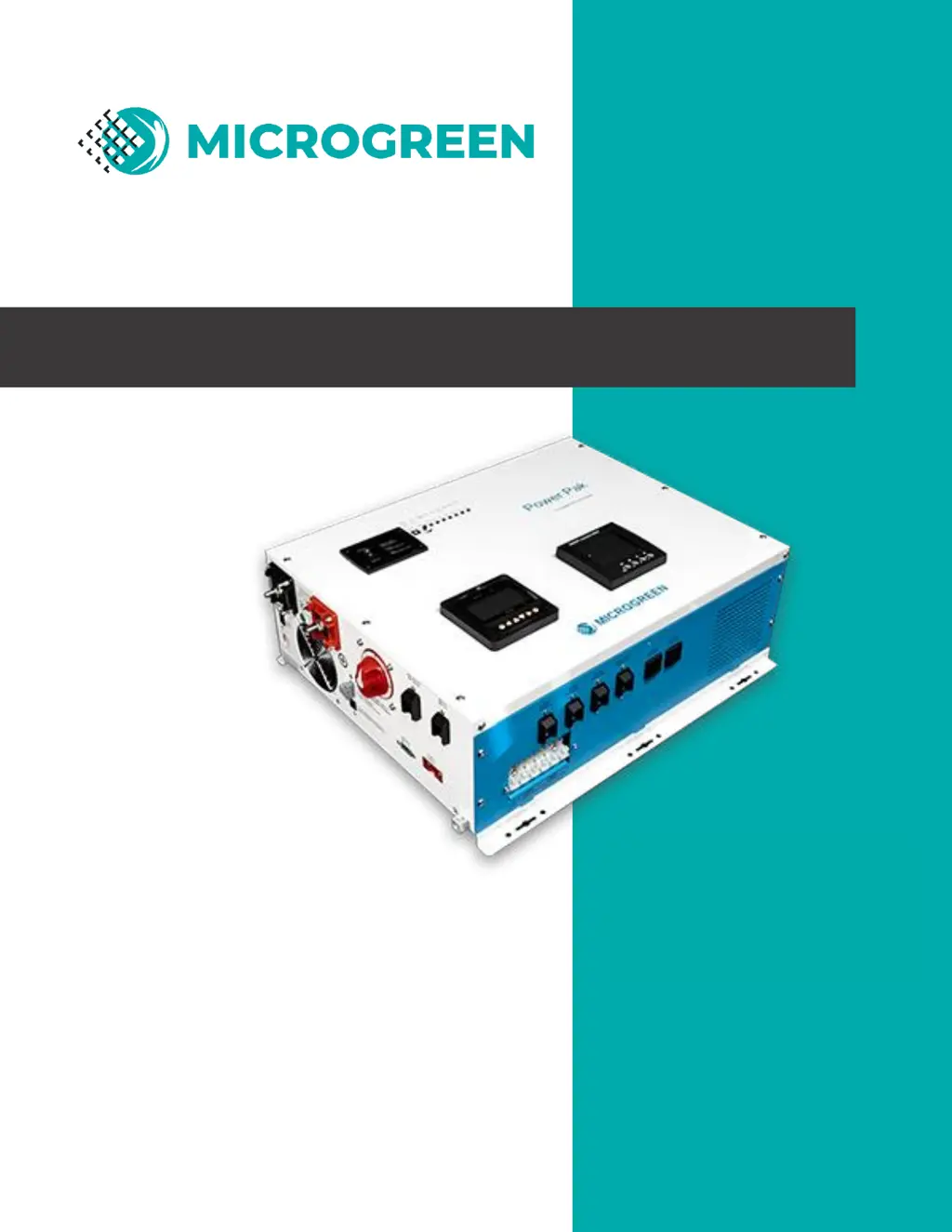
Power Pak user manual
Off-Grid System
In a Box
3kW / 4kW / 10kW Models

Other manuals for Microgreen Power Pak

Questions and Answers

Summary

Introduction and Model Information

How to Use This Manual

Guidance on navigating the manual and understanding its sections for effective use.

Power Pak Models

Details the three available Power Pak models (MINI, COMPACT, GRANDE) and their key differences.

System Overview

Product Details and Features

Product Description

Provides a general description of the Power Pak unit.

External Parts of Power Pak MINI and COMPACT

Identifies and describes the external components of the MINI and COMPACT Power Pak models.

External Parts of Power Pak GRANDE

Identifies and describes the external components of the GRANDE Power Pak model.

Recommended Uses

Lists various applications for the Power Pak, including renewable energy, RVs, cabins, and emergency power.

Features

Highlights key features such as ULc certification, robust design, and advanced charging capabilities.

Safety Information

General Safety Precautions

Essential safety measures for handling the Power Pak and associated electrical equipment to prevent hazards.

Precautions When Working with Batteries

Critical safety guidelines for handling batteries, including protection against acid and electrical hazards.

Installation Guide

Components Not Included

Lists necessary user-provided components for the Power Pak installation process.

Tools Required

Specifies the tools needed to properly install the Power Pak unit.

Wall Mounting

Provides step-by-step instructions for securely mounting the Power Pak onto a wall.

Battery Connection

Details the procedure and warnings for correctly connecting the battery bank to the Power Pak.

Solar Panel Connection

Explains how to connect solar panels to the Power Pak, including important voltage warnings.

Expanding the System

Guides on adding charge controllers and wind turbines for increased system capacity.

Grounding

Instructions for establishing a proper ground connection for the Power Pak system.

AC Connections - Input and Output

Describes how to connect AC power sources (grid/generator) for input and output with the Power Pak.

Operating Instructions

General Operating Instructions

Steps to follow for the initial operation of the Power Pak after installation.

Power Saver Mode

Details the Power Saver mode for energy conservation and its operational parameters.

Charging Batteries

Explains how the Power Pak charges batteries from solar panels or AC input sources.

AC Meter Monitoring

Explanation of the AC meter's location, function, and how to interpret its readings.

AC Meter Button Functions

Describes the functions of the buttons on the AC meter for navigating displays and settings.

DC Meter Monitoring

Details the DC meter (charge controller display), its default screen, and how to read battery and solar status.

Components Description and Features

Topology

Describes the internal topology of the Power Pak, including inverter and AC charger design.

Charging System

Explains the DC and AC charging systems and the four stages of AC charging.

Battery Type Selector

Details supported battery types and how to select them using the switch for optimal charging.

De-Sulphation

Explains the de-sulphation cycle for lead-acid batteries and its purpose in breaking down sulphation.

Charging Depleted Batteries

Describes the Power Pak's ability to start up with depleted batteries and conditions for charging.

Charging Current and Generator Tips

Provides guidance on setting charging current and tips for efficient charging from a generator.

Power Management and Protections

Power Transfer

Explains how the Power Pak switches between AC input and inverter mode during power outages or fluctuations.

Alarms & Protections

Lists the various protection mechanisms and alarms implemented in the Power Pak to ensure safety and prevent damage.

LED Indicators

Explains the meaning of each LED indicator on the Power Pak's front panel for status monitoring.

Fans

Describes the AC and DC fans used for cooling and their operational conditions.

DIP Switches

Details the function of the five DIP Switches for customizing Power Pak settings.

Battery Voltage Recover Start

Explains how the Power Pak can automatically restart after a low battery shutoff once voltage recovers.

Auto Gen Start

Describes the feature that allows the Power Pak to automatically start a generator when battery voltage is low.

Troubleshooting and Warranty

Troubleshooting Guide

Provides guidance on identifying and resolving common problems using indicators, buzzers, and symptom-cause-solution tables.

Warranty Information

Outlines the terms of the 2-year limited warranty and conditions not covered.

Specifications and Contact

Power Pak Specs Sheet

Presents detailed technical specifications for the MINI, COMPACT, and GRANDE Power Pak models.

How to Contact Us

Provides contact information for Microgreen Solar Corporation, including phone, email, and website.

Microgreen Power Pak Specifications

General IconGeneral
Input Voltage12V DC
Total Harmonic Distortion (THD)<3%
USB Output5V/2.1A
Frequency60 Hz
Efficiency90%
ProtectionOverload, over-temperature, short circuit, low voltage, high voltage