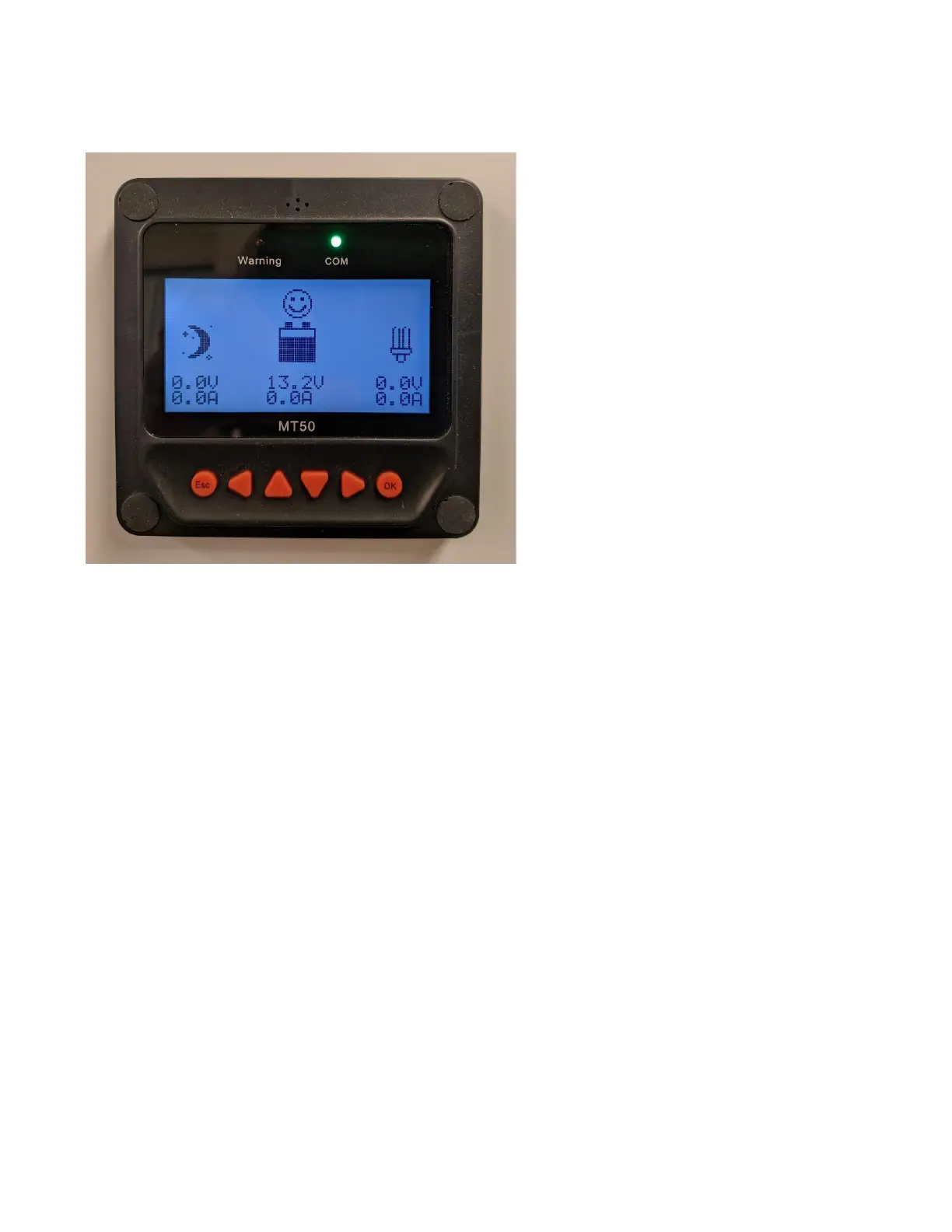
Note: the above photo is for illustration purposes only. It does not match the numbers referred in the Figure: “DC meter
display elements” shown below.
The DC meter, also called the charge controller display, can be found on the lower left of the Power Pak’s front
panel. This meter provides accurate information on how much power is being used. This can be helpful in
planning when or whether to use certain appliances, or when considering system upgrades.
The default display screen is shown in the figure below. In the example shown, it is daytime and the solar
panels are producing 15.2A of current at 17.5V. Of this current, 5.2A is being used to charge the battery, and
10.0A is being used to power the load. Note: the load value is only applicable to the MINI, for loads on its 12V
DC output.
The battery level is also shown, as indicated by how full the battery icon is. NOTE: the battery level indicates
the amount of usable charge left in the battery, rather than the actual charge percentage. For example, for
AGM/lead acid batteries, the level would be empty at 50% and for lithium batteries, empty would be closer to
10%.


 To Next Page