© Microhard 15
2.0 Quick Start
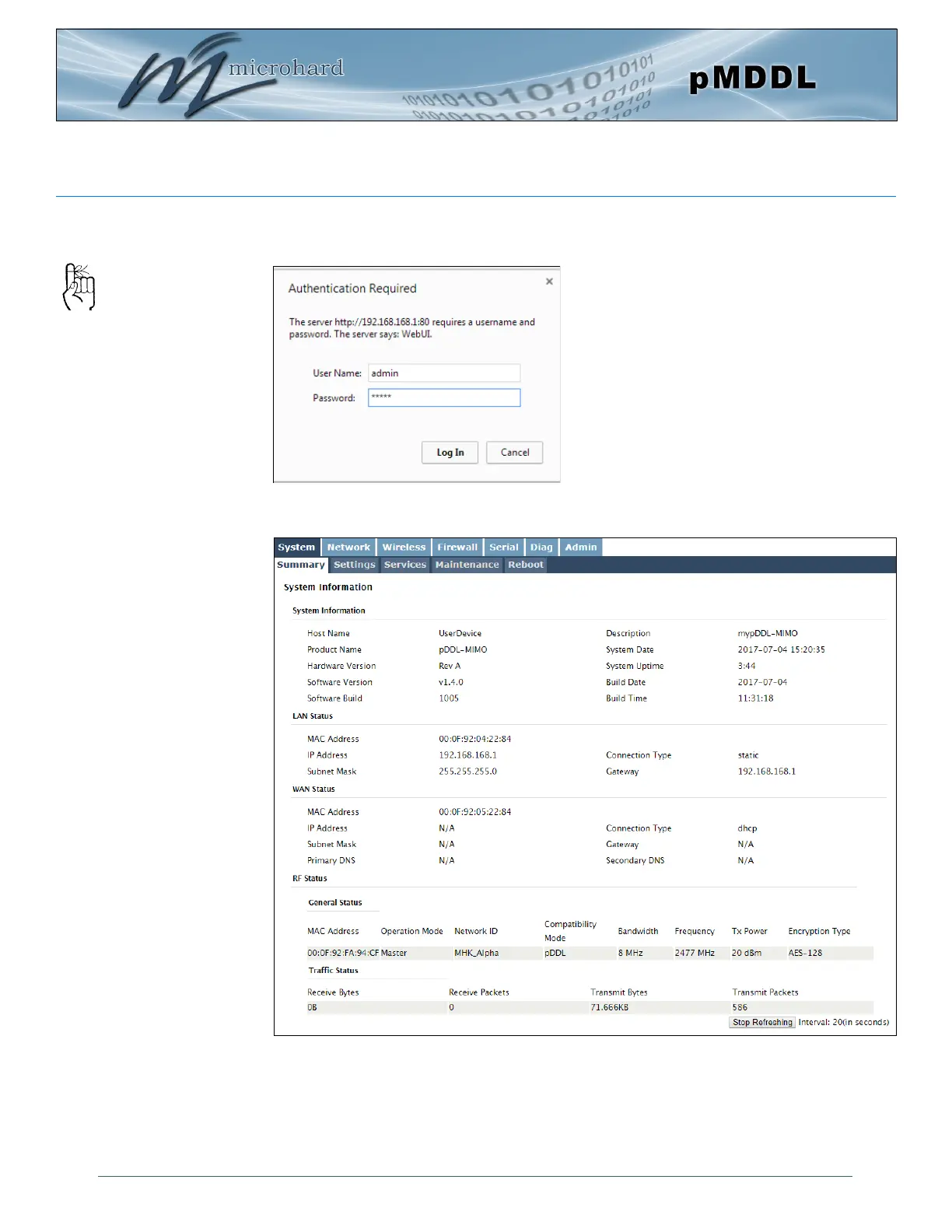
✓ The pMDDL will then ask for a Username and Password. Enter the factory de-
faults listed below.
✓ Once successfully logged in, the System Summary window will be displayed.
The factory default login:
User name: admin
Subnet: admin
You will be forced to
change the default
password upon logging in
for the first time.
The Factory default login:
User name: admin
Password: admin
Once successfully logged in for the first
time, the pMDDL will force a password
change



 To Next Page