15
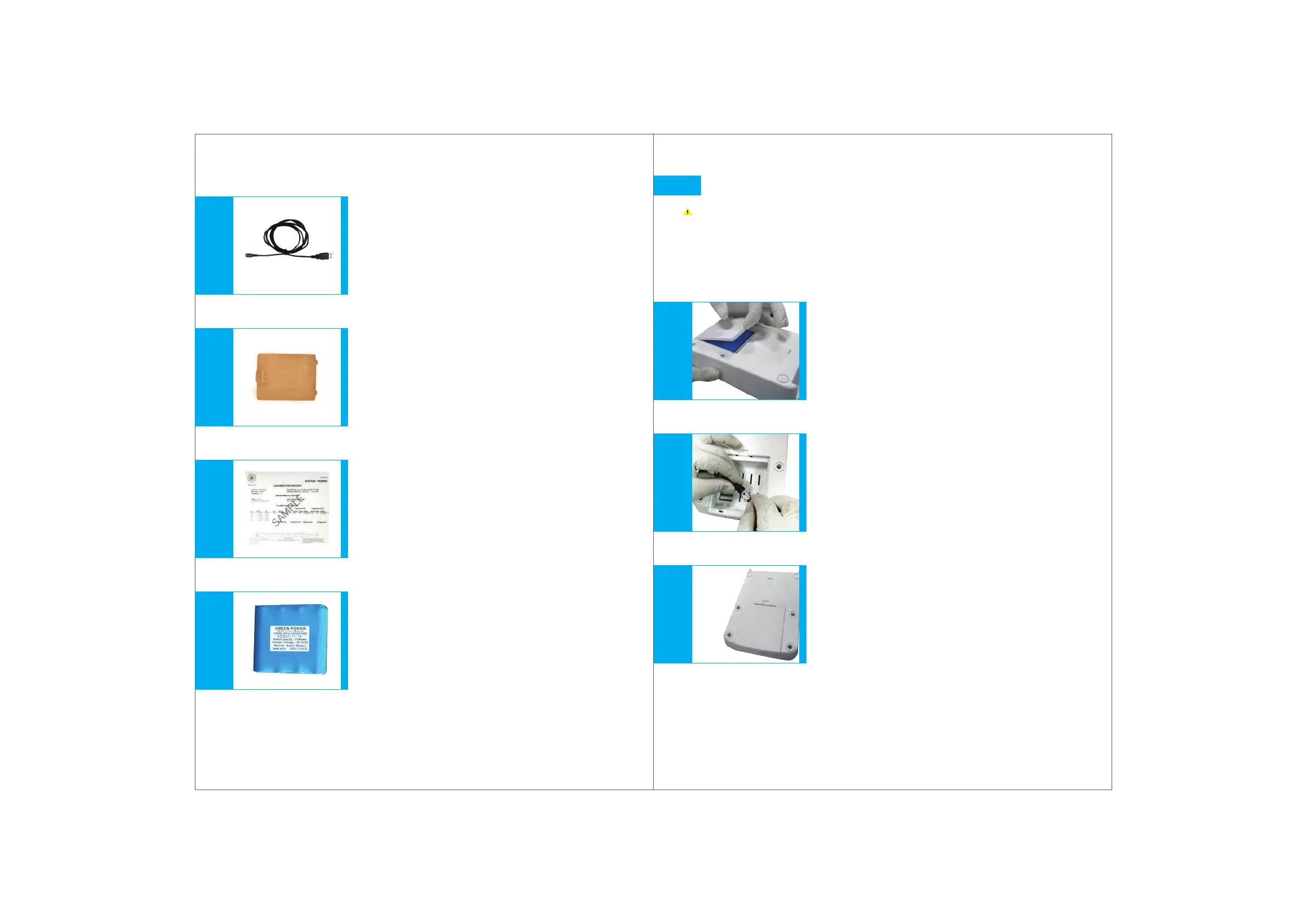
Mini USB Cable
(Fig. 8.8)
14.4 V, 2000 mAh Li-ion Rechargeable Batteries
(Fig. 8.11)
Extra Amber Coloured Windows
(Fig. 8.9)
Calibration Certificate
(Fig. 8.10)
9.
10.
11.
12.
Fig. 8.8Fig. 8.9Fig. 8.10Fig. 8.11
Initializing
Wear protective clothing, protective gear for the eyes and hands.
Follow all safety instructions and observe limitations of use and
operating constraints. (Refer to section 4 and 5)
Connecting the batteries
Open the battery panel at the back
of the control panel.
(Fig. 9.1)
Connect the batteries to the panel wire by inserting
the battery connector into the panel connector firmly.
It locks with a ‘click’ sound.
(Fig. 9.2)
Close the panel
(Fig. 9.3)
9.
1.
2.
3.
Fig. 9.1Fig. 9.2Fig. 9.3
16


 To Next Page