23
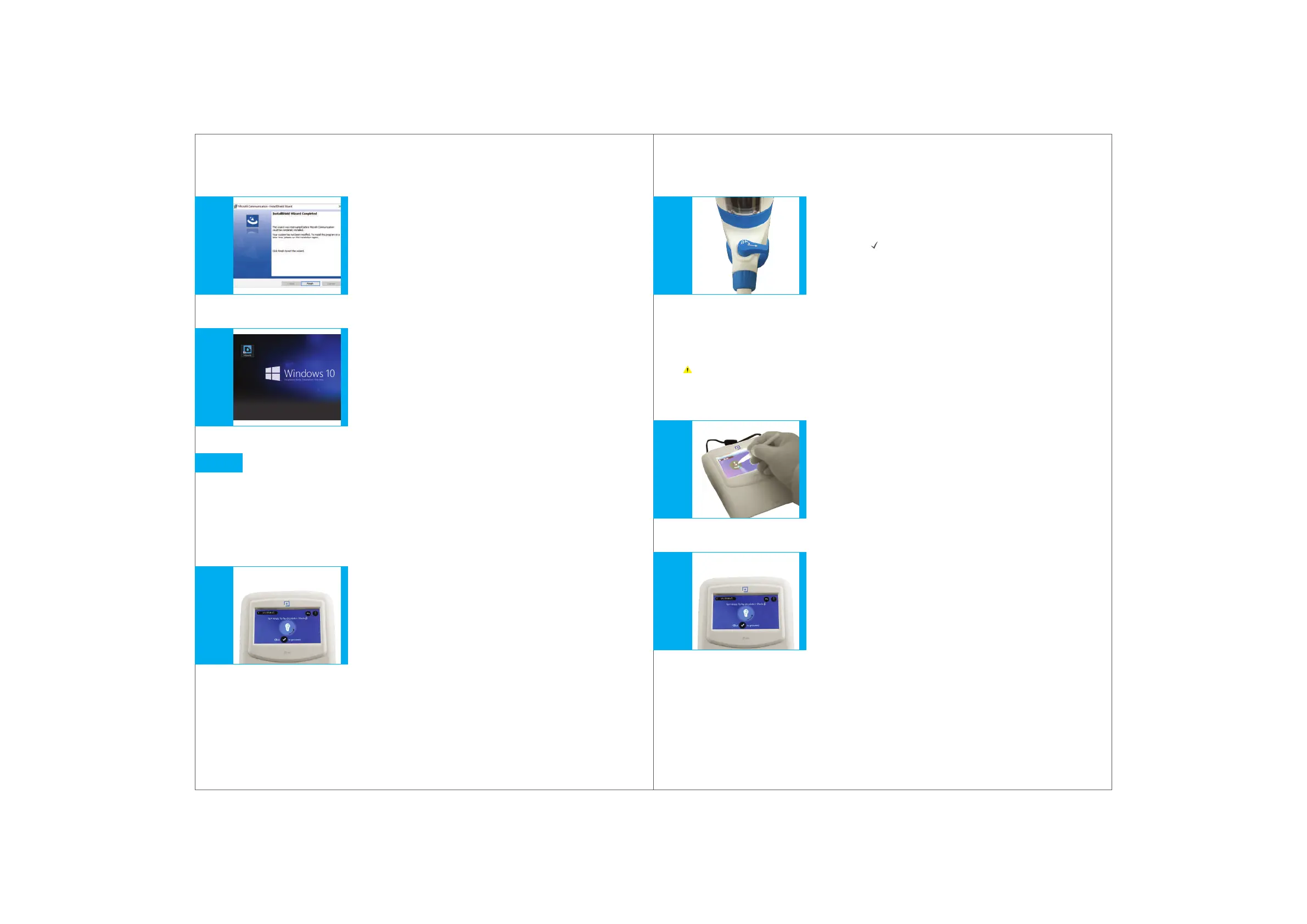
Click Finish for the Install Shield Wizard
completion window.
(Fig. 11.11)
MICROLIT Communication icon will
then appear on the desktop.
(Fig. 11.12)
When it boots, the instrument will warn the
user to switch the knob to recirculation mode
(Fig. 12.1)
VI.
VII.
Fig. 11.12Fig. 12.1 Fig. 11.11
Operating the instrument
Switching on the Control Panel
Switch on the instrument using the ON/OFF switch
at the back of the control panel.
12.
1.
2.
24
Fig. 12.2Fig. 12.3Fig. 12.4
The instrument will reset automatically. It is now ready to use.
Purging
This step is recommended before using the Burette to
ensure bubble free dispensing.
3.
4.
1.
2.
Turn the knob to re-circulation mode and click the
tick mark ( ) on the control panel screen when ready.
(Fig. 12.2)
The screen on the control panel will warn the
user to turn the knob to re-circulation mode.
(Fig. 12.4)
Click on the purging mode from the
Home Screen on the control panel.
(Fig. 12.3)


 To Next Page