3. Connecting to weather station
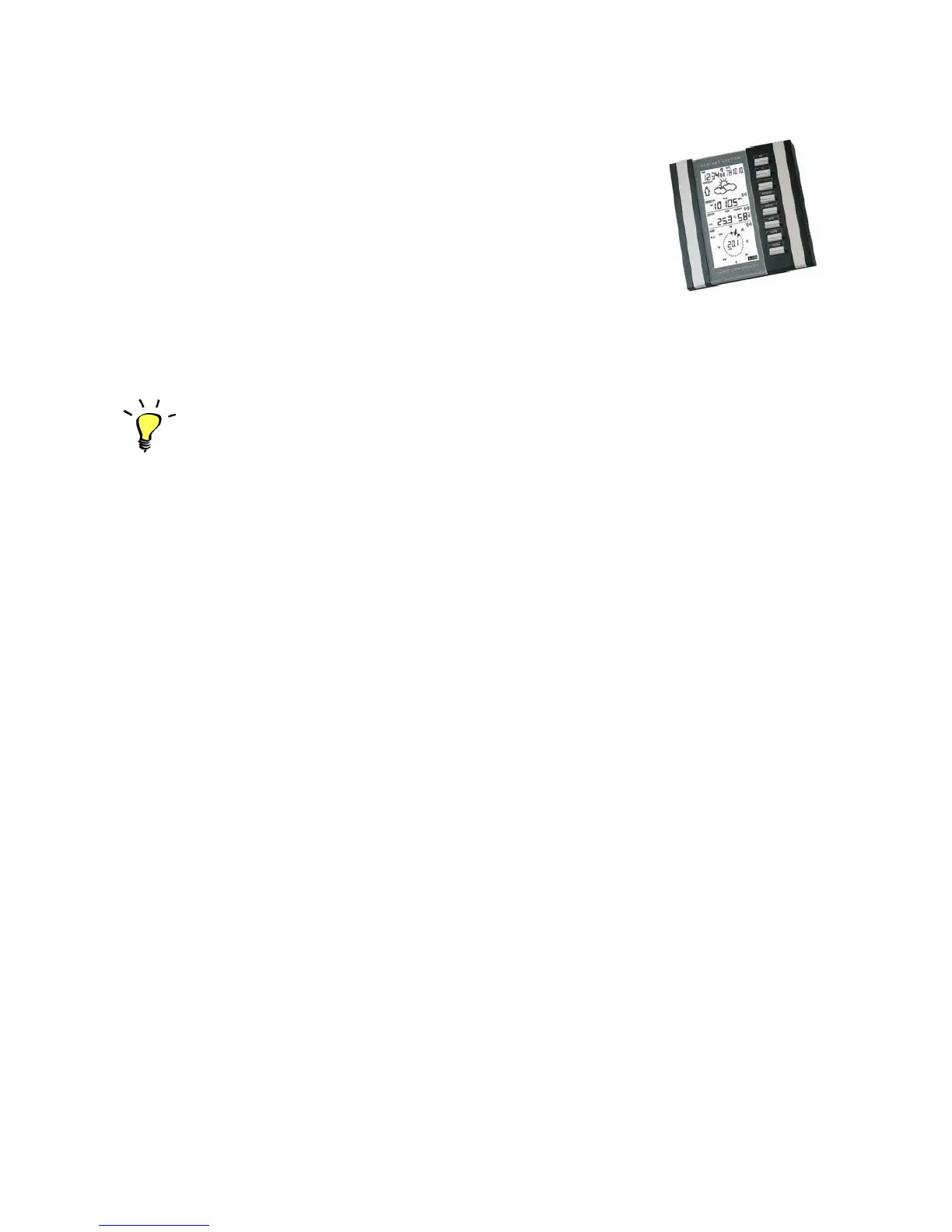
WX3in1 works with WS2300 and WS2350 weather stations.
Communication between the weather station and WX3in1 is
possible using RS-232 cable supplied by the manufacturer of the
station. The cable must be connected to the WEATHER DB9-type
connector on the WX3in1 rear panel.
It is not necessary to set the time and date in the weather
station as WX3in1 has its own internal RTC (Real Time Clock) with
battery backup.
It is only necessary to calibrate the atmospheric pressure
and reduce it to a value relative to sea level (WX3in1 sends an ABSOLUTE pressure value
and not relative, which is not being calibrated in these models of weather stations).
Tips for assembling of the weather station sensors.
The signal from the anemometer and rain gauge is sent to an intermediate unit
(thermometer and hygrometer) in an analogue way. Only after the exit of the
intermediate unit data is sent to a central unit with LCD display in digital form, so
DO NOT install the anemometer and rain gauge directly under the antenna of APRS
transmitter, as it can cause incorrect calculation of unit rainfall. Observations show that
the rain gauge and anemometer distance of about 6 meters from the antenna does not
cause problems in the operation of the receiver.
This tip is not part of the weather station installation instructions and it comes
from experience and field tests of WS2300 and WS2350 stations.
Be sure to read the installation instructions for WS2300 and WS2350 weather
stations supplied by the manufacturer.
It is recommended to make a connection between the weather station and sensors
using a cable and dispense with the unreliable and insecure radio communications,
which may be further distorted by the APRS antenna.
5


 To Next Page