LVS-9580/9585 Operating Instructions - English
LVS-9580/9585 Operating Instructions - English Page 10 of 27
Calibrate the LVS-9580/9585
IMPORTANT:
The LVS-9580/9585 should be calibrated regularly. The entire calibration process takes less
than 30 seconds to complete and ensures the LVS-9580/9585 is certified according to
industry standards.
The Calibrated Conformance Standard Test Card should be replaced every two years.
It is recommended to clean the LVS-9580/9585 window prior to calibration. See the
“Cleaning Instructions” section for more information.
1. To calibrate the LVS-9580/9585, click the “Calibration” tab.
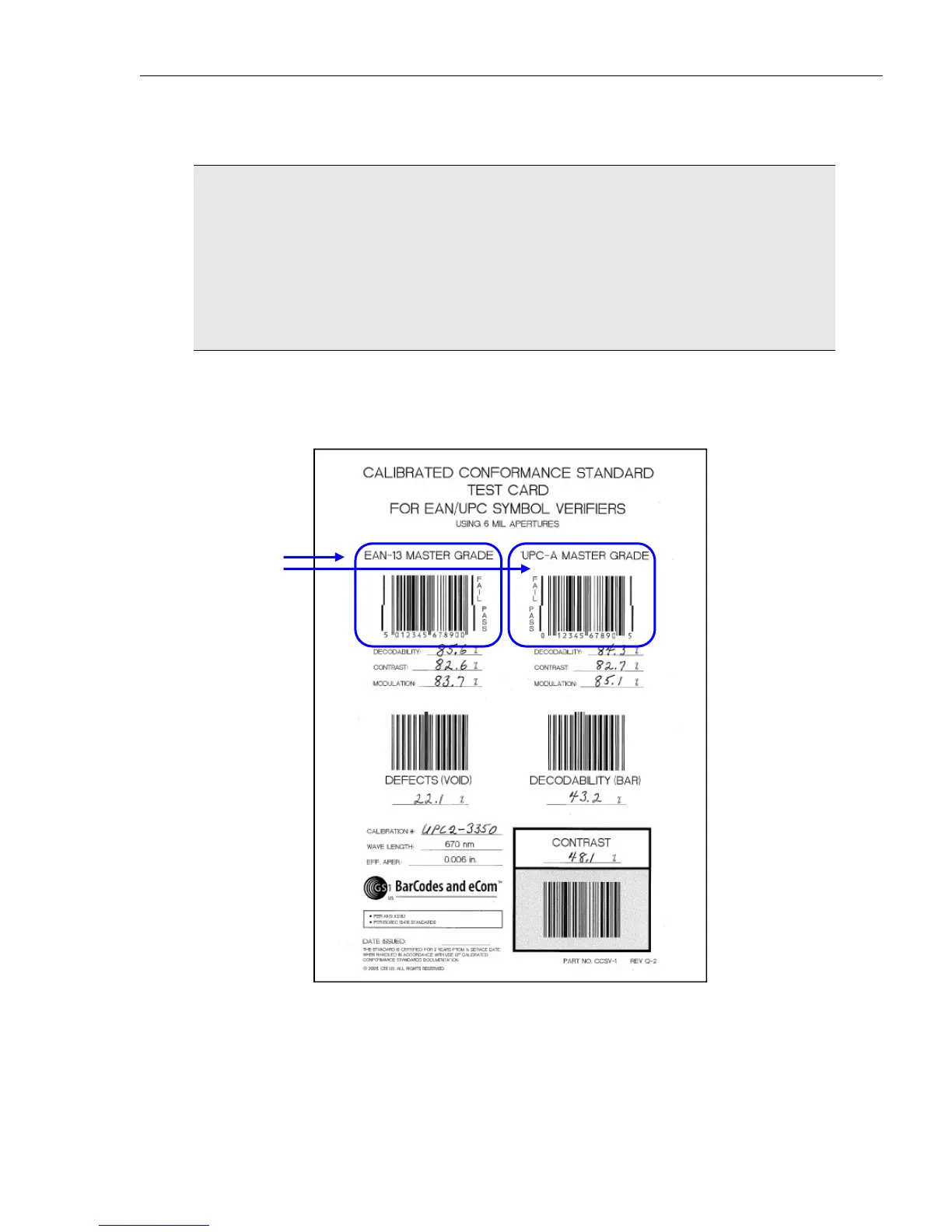
2. Locate the Calibrated Conformance Standard Test Card (“test card”) that was packaged with the system
and place the test card on a flat surface.
Below is an example of an “EAN/UPC” test card.
Master Grade
barcodes



 To Next Page