LVS-9580/9585 Operating Instructions - English
LVS-9580/9585 Operating Instructions - English Page 13 of 27
Grading Barcodes
1. Click the “Grading” tab.
2. Firmly grip the LVS-9580/9585 handle and press and hold the trigger (do not release the trigger).
3. Place the LVS-9580/9585 window over the barcode ensuring the four rubber feet surrounding the
window rest on the substrate (media/label material). The rubber feet hold the substrate in place and
minimize movement of the substrate.
4. The barcode image appears on the customer-supplied computer screen with a green plus symbol (+)
located on the barcode image.
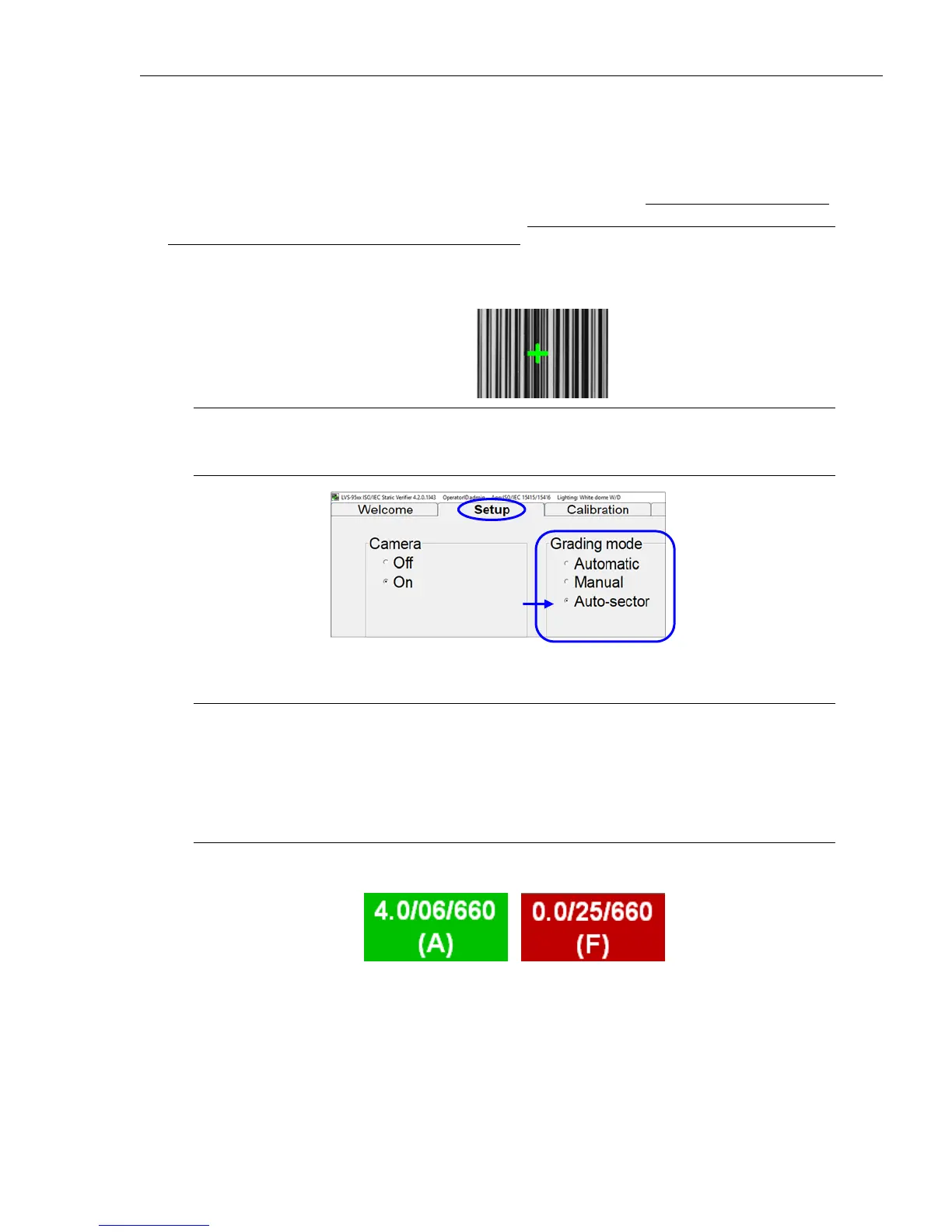
Note: If the green plus symbol (+) is not appearing on the barcode image, click the “Setup”
tab and make sure “Auto-sector” is selected in the “Grading mode” section (see below).
5. Slowly move the LVS-9580/9585 as needed to place the green plus symbol over the center of the
barcode image (make sure the rubber feet rest on the substrate). Then, release the trigger.
Tip: Positioning the green plus symbol over the center of the barcode image may take a few
moments when first learning to use the LVS-9580/9585. Position the center of the LVS-
9580/9585 window as close as possible to the center of the barcode image. Please note that
when moving the system, the camera reads in a mirrored view. For example, when the
camera is moved to the right, the image moves left. If the camera is moved up, the image
moves down.
6. The LVS-95XX software analyzes the barcode and reports a grade score between 4.0 (A grade) and 0.0
(F grade) on the “Grading” tab.
Refer to the “Grading Tab” section in the “LVS-95XX Series Barcode Quality Station Operations Manual” for
more information on grading barcodes; this manual is located on the installation media packaged with the
system.



 To Next Page