LVS-9580/9585 Operating Instructions - English
LVS-9580/9585 Operating Instructions - English Page 7 of 27
LVS-95XX Software Steps
Refer to the sections below for steps on:
Logging in to LVS-95XX software
Turning on the LVS-9580/9585 camera
Calibrating the LVS-9580/9585
Note: Refer to the “LVS-95XX Series Software Installation Guide” for step-by-step
instructions on installing the LVS-95XX software; a hard copy version of this guide is
packaged with the system and an electronic version is located on the installation media.
Log In to LVS-95XX Software
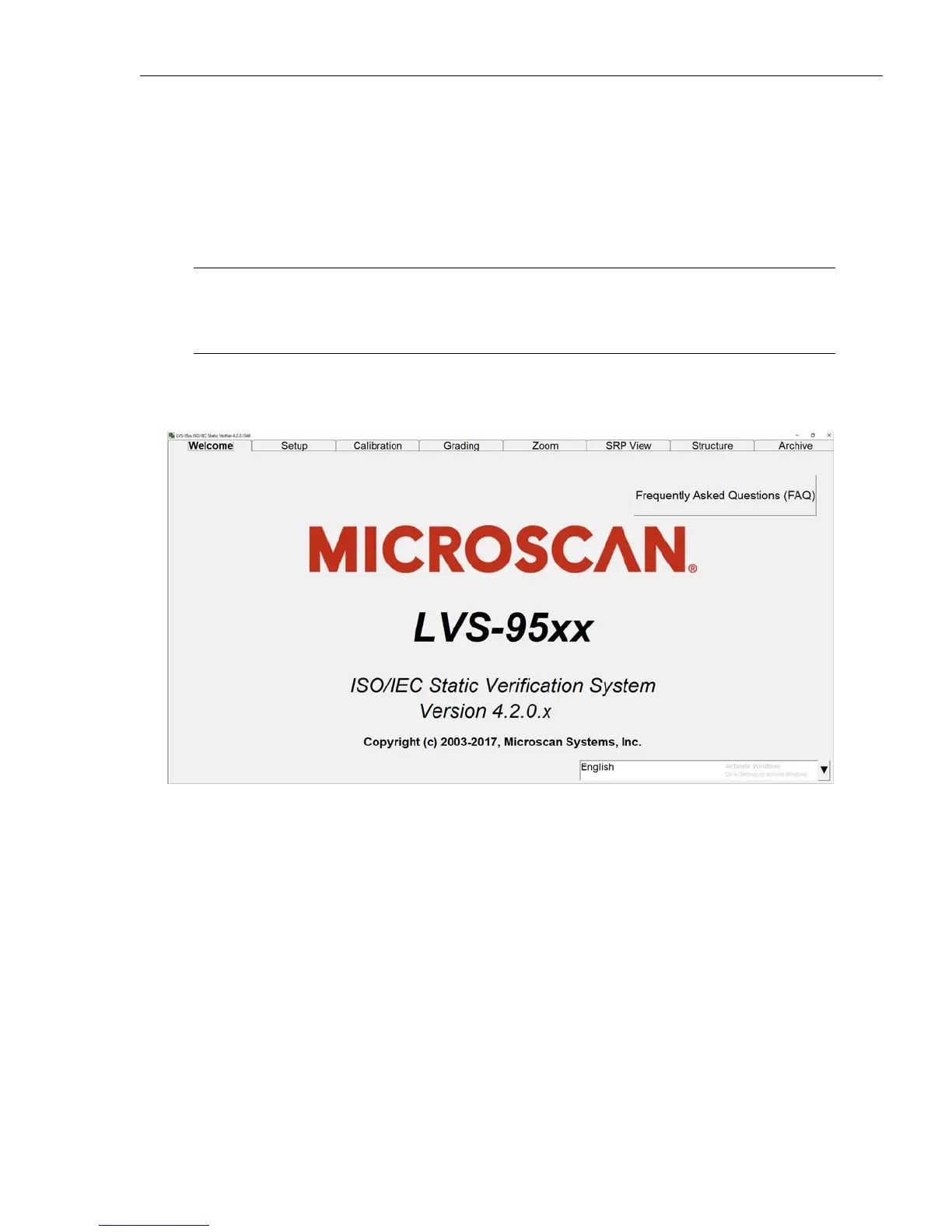
1. Start the LVS-95XX software. The “Welcome” screen appears (see below).



 To Next Page