LVS-9580/9585 Operating Instructions - English
LVS-9580/9585 Operating Instructions - English Page 8 of 27
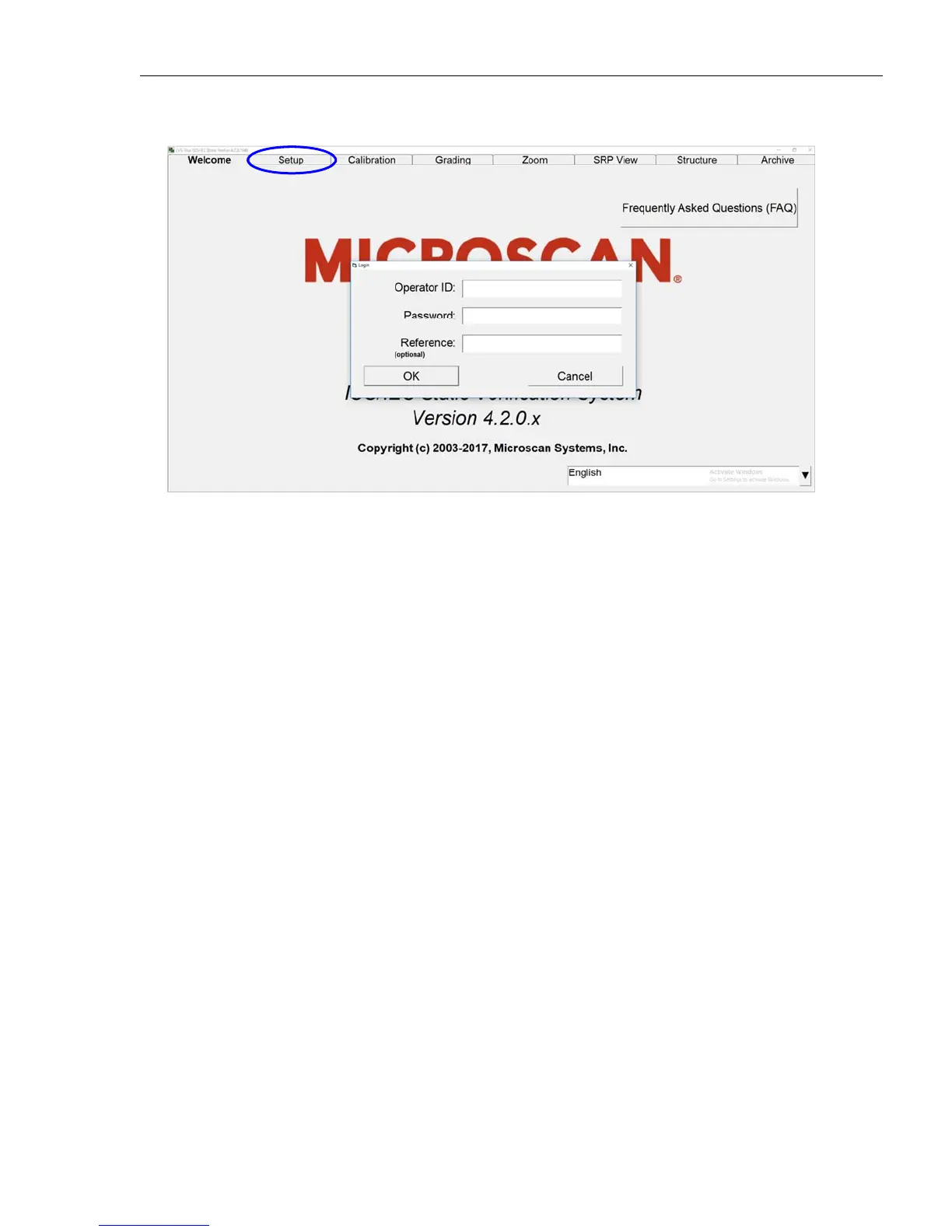
2. Click the “Setup” tab. The “Login” box appears.
3. Enter admin (not case sensitive) in the Operator ID field and in the Password field.
4. Click “OK.” LVS-95XX Software will open.
5. Turn on the LVS-9580/9585 camera by following the steps in the next section entitled “Turn on the LVS-
9580/9585 Camera.”



 To Next Page