LVS-9580/9585 Operating Instructions - English
LVS-9580/9585 Operating Instructions - English Page 23 of 27
Appendix B – Operating the LVS-9585 Verifier
Grading DPM Symbols with the LVS-9585 Verifier
The LVS-9585 DPM Verifier is different from the LVS-9580 DPM Verifier due to the addition of 9 different
lighting modes:
RED Dome
WHITE Dome
RED 30 degree N + S+ E + W
RED 30 degree N + S
RED 30 degree E + W
RED 30 degree N
RED 30 degree S
RED 30 degree E
RED 30 degree W
These lighting modes are only available when using DPM Application Standards. They are not used for
traditional 1D and 2D verification.
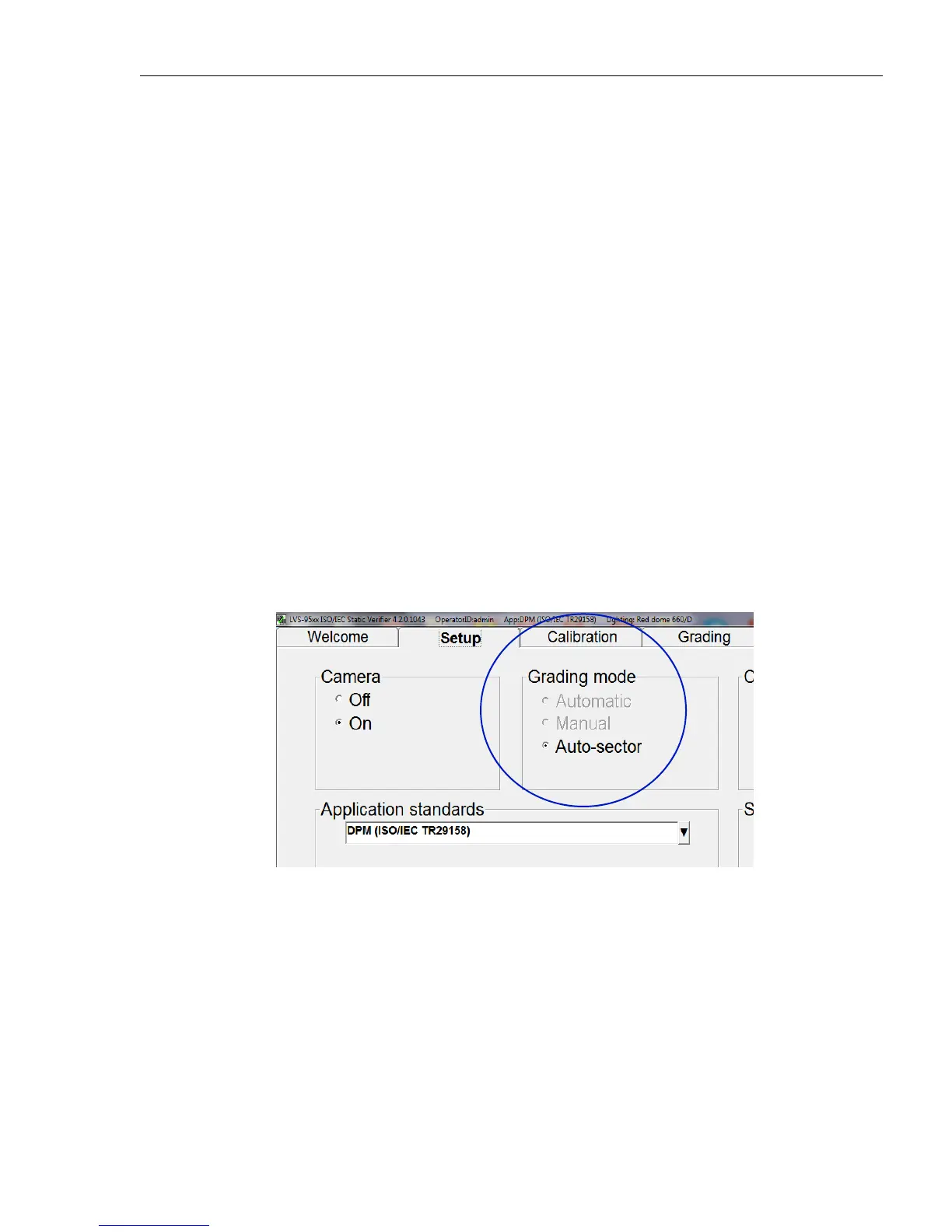
Setup Screen
After choosing any of the DPM Application Standards, Automatic and Manual are grayed out within the
Grading mode section. Auto-sector is the only choice.



 To Next Page