LVS-9580/9585 Operating Instructions - English
LVS-9580/9585 Operating Instructions - English Page 25 of 27
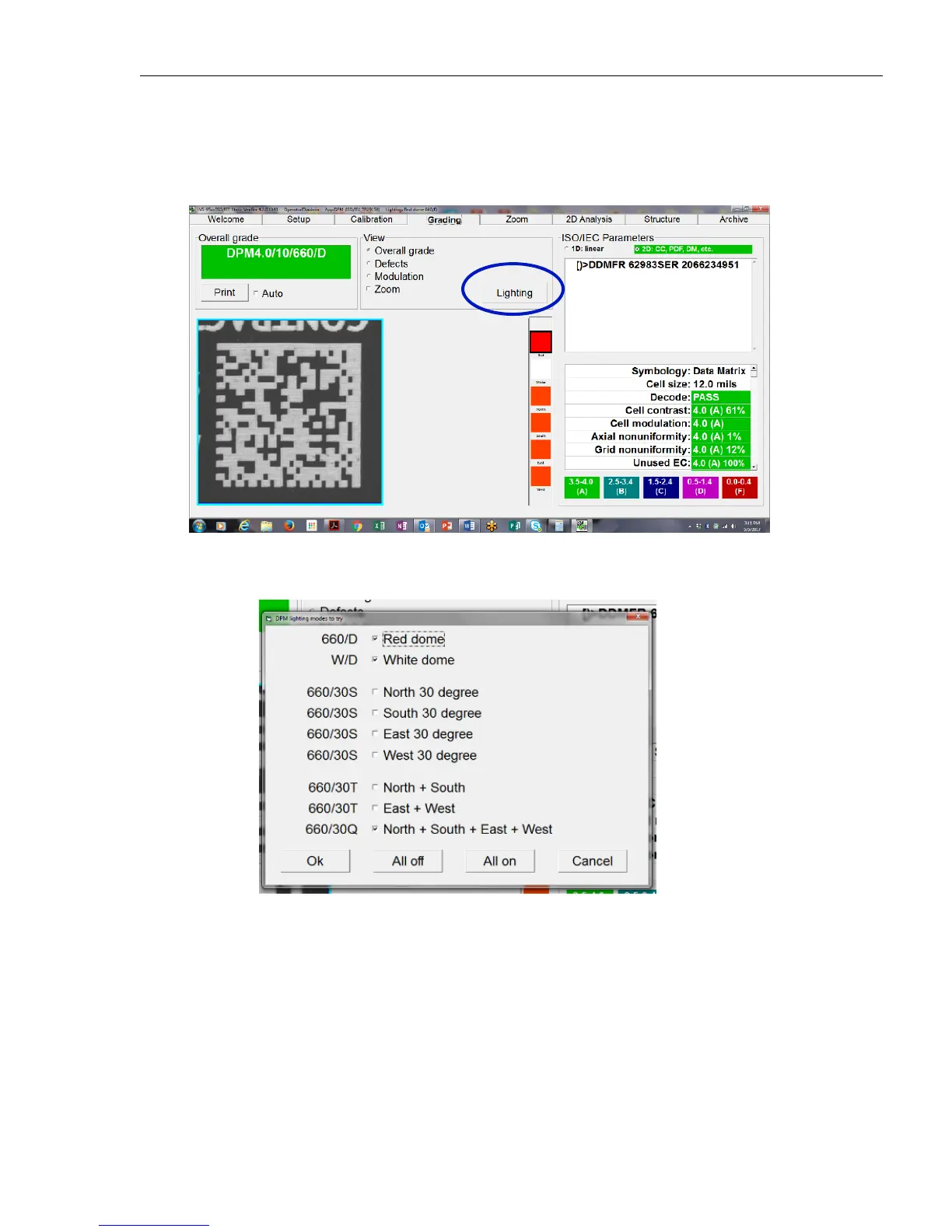
Choose the Lighting Modes
To choose the lighting modes:
1. Select the Lighting button on the Grading Screen.
2. Select the lighting mode. The default lighting modes are Red dome, White dome, and 30 degree N + S +
E + W. The operator may choose to add or subtract any of the lighting modes listed. The software uses
the selection as the new default.
Grading a DPM Symbol
To grade a DPM symbol:
1. While viewing the Grading Screen, hold the verifyer trigger switch in. The target DPM symbol then
appears in the viewing window. A pop-up window appears at the top of the screen which says “Hold
trigger while searching.”



 To Next Page