DOC 6501_Release V
ATS-6501 Users Guide
39
(seconds)_(seconds)ATS6501_LAYANTENNA_DE DelayonDistributiDelay
Eq. 2-4
2.7 Using an External Frequency Reference
Users may decide to provide an EXTERNAL frequency reference to the ATS-6501. The external
frequency reference may be monitored by the ATS-6501 via a RS232 connection through either
of the USB Connectors on the rear of the unit (94001-5071A). The Microsemi 5071A is currently
the only model supported; users should contact Microsemi about the possibility of utilizing other
clocks. The 5071A communications settings on the 5071A must be set to 9600 Baud, No Parity,
8 Data Bits, and 1 Stop Bit (9600,N,8,1) and a null modem serial cable will be required.
WARNING: Prior to setting the reference to external ensure the 10MHz signal from the
reference is connected to the 10MHz IN connector on the rear of the ATS-6501. If not, the ATS-
6501 outputs may not remain within specifications and it could take up to several hours for the
system to begin providing outputs within their specifications.
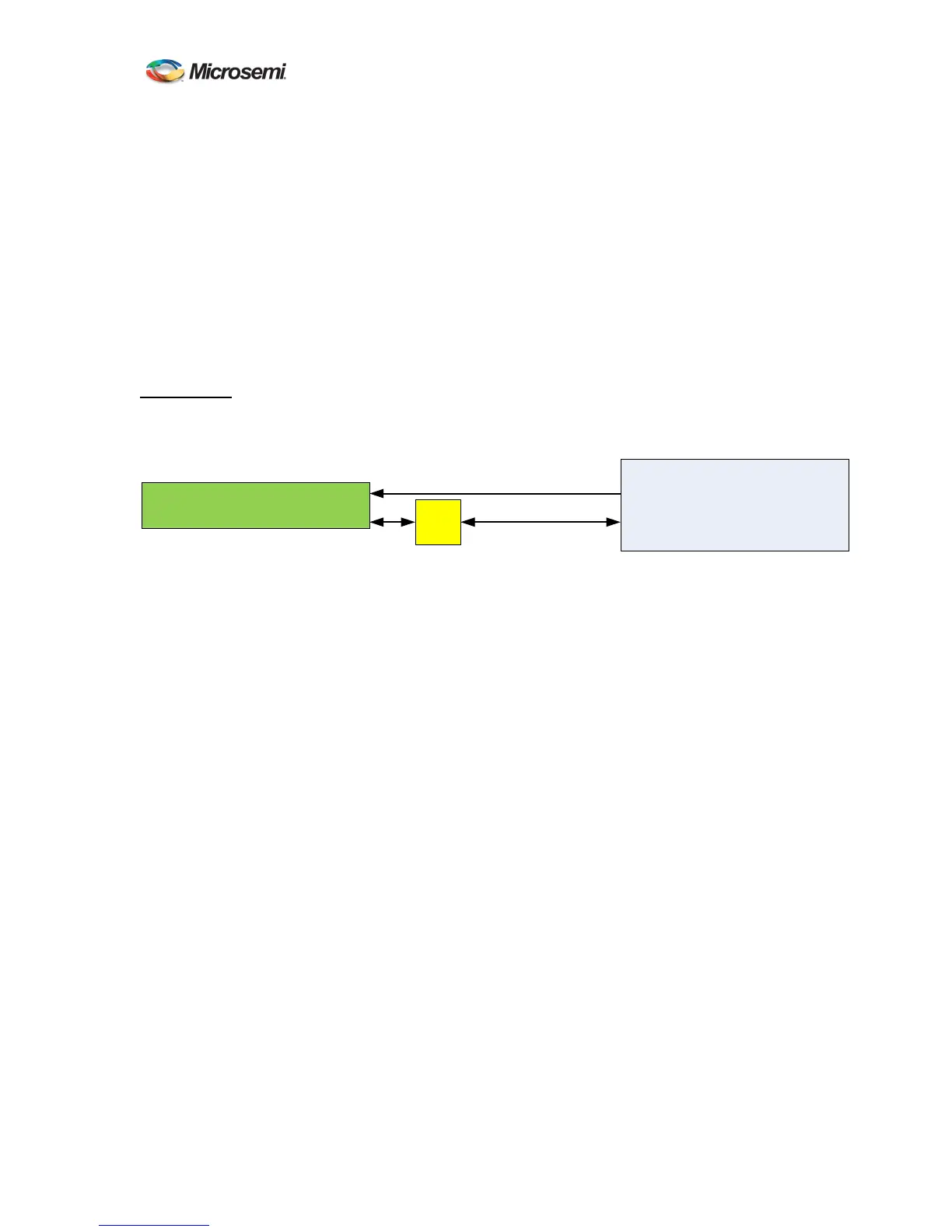
Figure 6 External Frequency Reference
Current status can be determined using the status reference:frequency:external command.
ATS-6501>status reference:frequency:external
[communications] N/A
[locked] true
[signal] present
[OK] 2013-08-05T17:17:08Z
signal missing 10MHz reference signal is not present. Do NOT select the reference
type as External.
cannot communicate 10MHz reference signal is present but the system is unable to
communicate with the 5071A
locked 10MHz reference signal is present and the system is able to
communicate with the 5071A
not monitored 10MHz reference signal is present. The system will not attempt to
communicate with the external reference.
2.7.1 Reference Type
The ATS-6501 is capable of using the following references:
• Cesium
• High Performance 5071A (hp5071a)
• Maser
To set the type of reference use the reference_type command and enter the correct clock type,
once complete type save to save the settings. The reference type should be set up based on the
type of clock and if you plan to monitor the h5701a.
ATS-6501
5071
External reference
USB
To
Serial
Null Modem
Cable
USB
RS-232
(DTE)
10 MHz
Port 1/2
10 MHz In



 To Next Page