Running the Demo Design With the MPM GUI
13
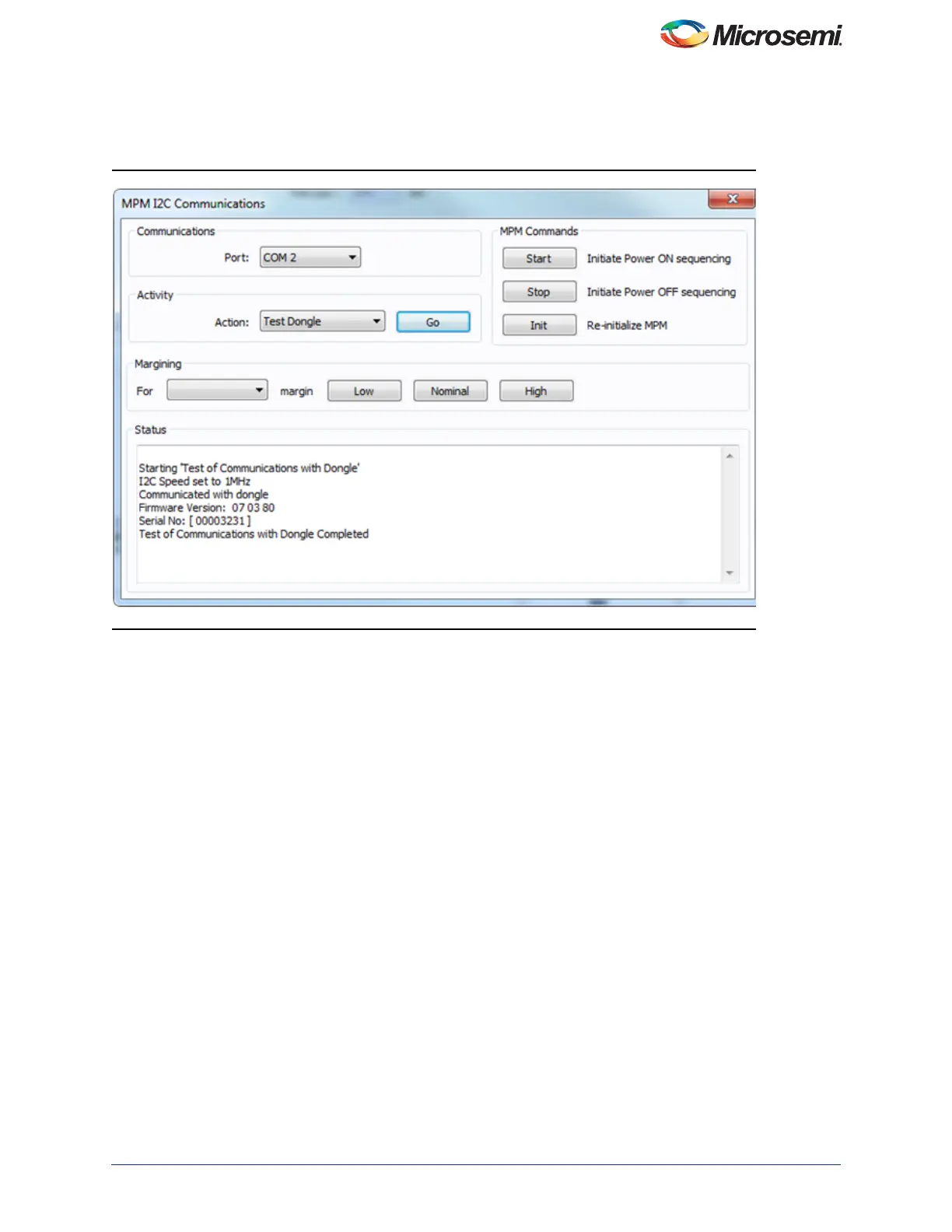
Note the COM port assigned to the USB-ISS communications module. Run the MPM GUI, select Data > PC > TestI2C
Dongle. Select the USB-ISS COM port from the Communications > Port drop-down list. Select Test Dongle from the
Activity > Action drop-down list and click the Go button. If the test is successful then you should see the following as
shown in Figure 14, in the Status text box.
The MPM reference design demo can be exercised using the MPM GUI communicating with the MPM target I
2
C slave
via the Devantech/Robot Electronics USB-ISS I
2
C communications module. Ensure that the USB-ISS hardware and
drivers are installed, configured, and working as described.
Figure 14 • Devantech Robot Electronics USB ISS



 To Next Page