www.microsoft.com/office/excel
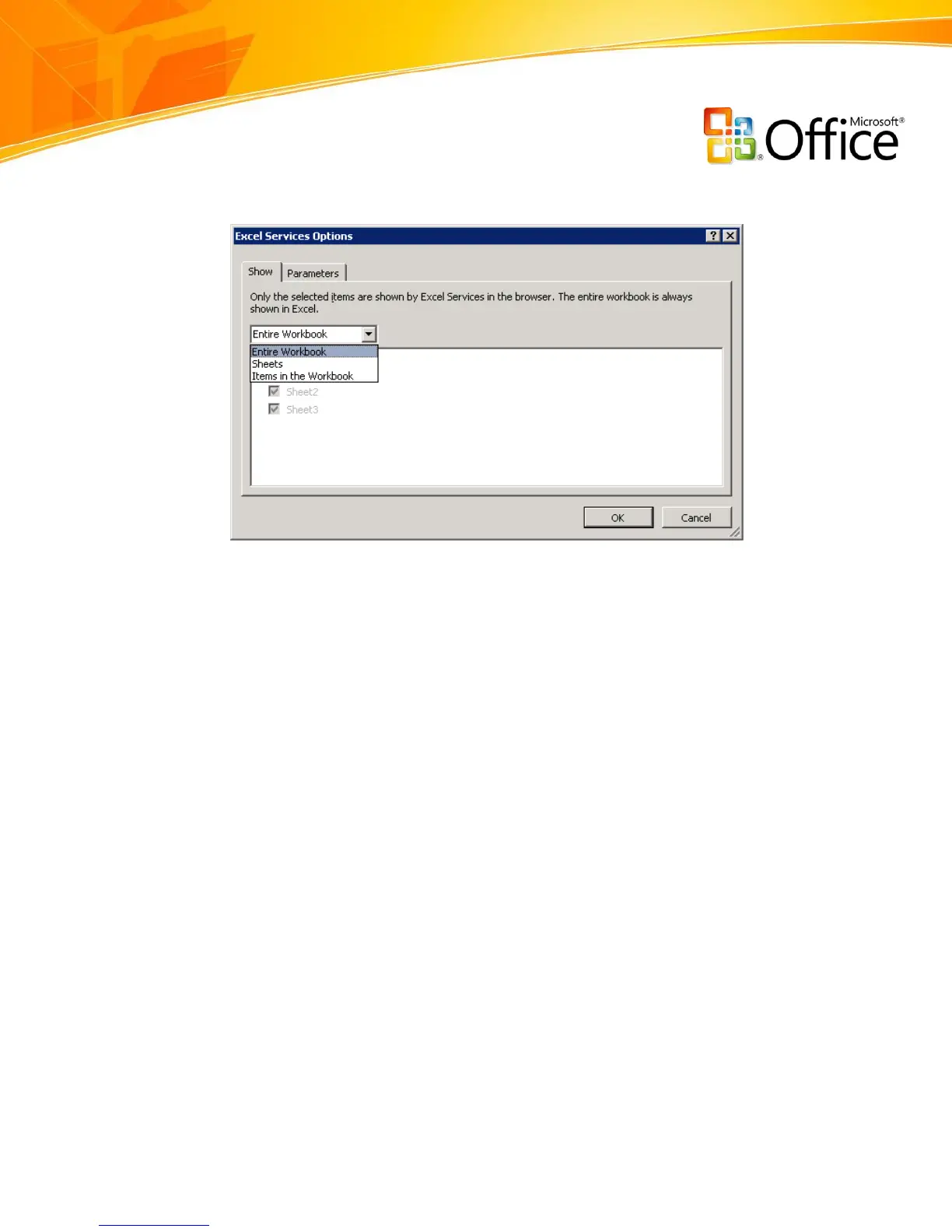
Figure 32: Selecting which spreadsheet elements to publish to Excel Services
Create a Review or Approval Workflow
When creating spreadsheets, you can send them in an e-mail message to colleagues to
gather feedback. When you need to get feedback quickly, you want to route the
spreadsheet to the right people without having to go through complicated interfaces or
cumbersome tools. To get feedback more quickly, you can take advantage of the review
or approval workflows available from Office Excel 2007 and Office SharePoint Server
2007.
To initiate a review or approval process, select the appropriate Office SharePoint Server
2007 workflow from within Office Excel 2007. The workflow creates a task for each
participant and notifies them with an e-mail message of a new document for review.
When participants receive the notification and open the spreadsheet, they can complete
their review and indicate their status on a workflow completion form.


 To Next Page
 Loading...