1. Update your console to the most recent Xbox One operating system. The chatpad requires
your console to have a November 2015 (or later) update. For more information, see Xbox
One operating system versions and system updates.
2. Turn on your Xbox One Controller.
3. Insert the chatpad into the controller.
4. Update your Xbox One Controller. The orange LED will blink to indicate that it's
connected and requires an update. See Update your Xbox One Controller for more
information.
5. Connect a 3.5-mm audio headset cable to the chatpad. For more information, see
Connecting a compatible headset to Xbox One.
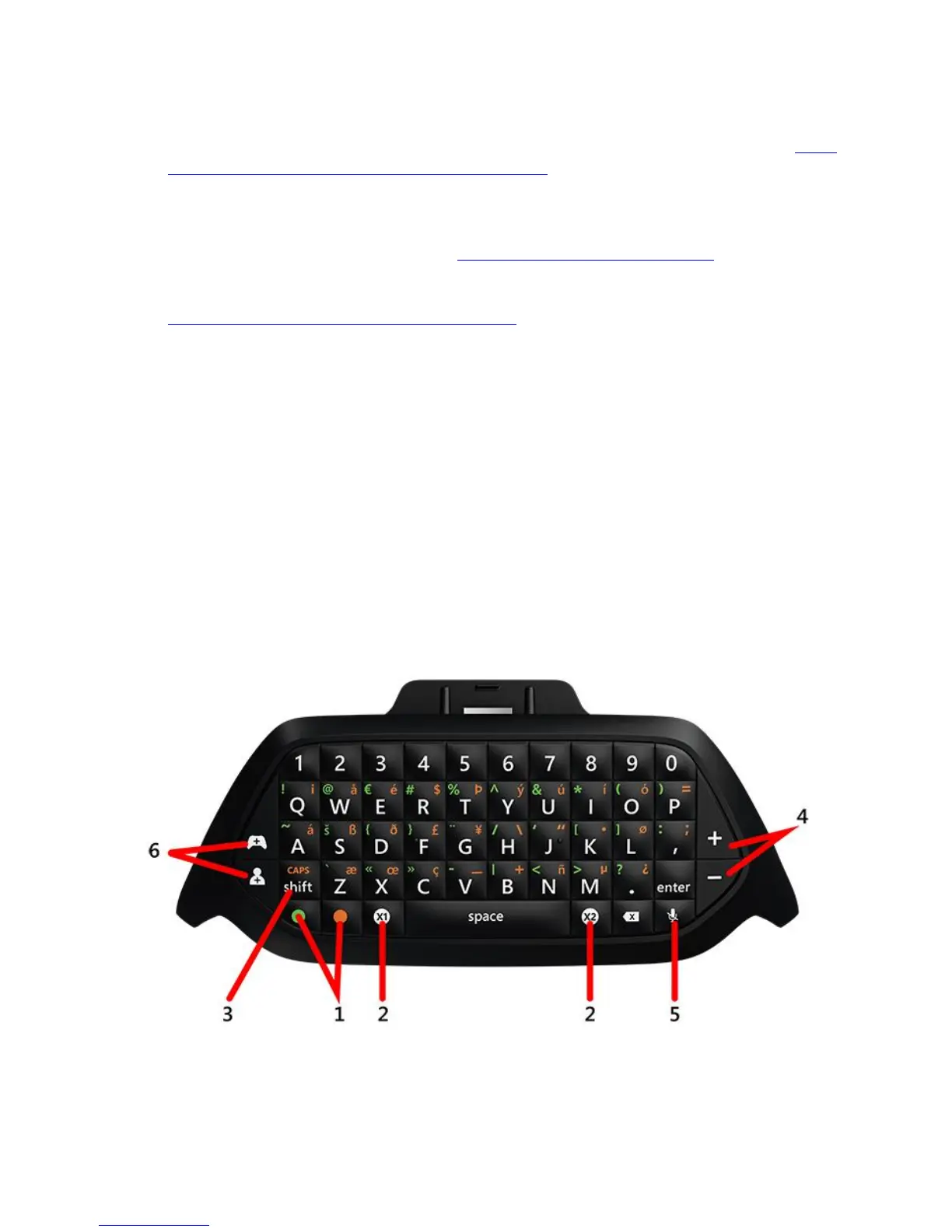
Xbox One Chatpad special keys and modes
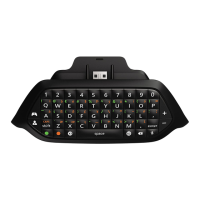
The following image illustrates the special keys and functions of the Xbox One Chatpad.





 To Next Page