MSB780(X) - User’s Guide
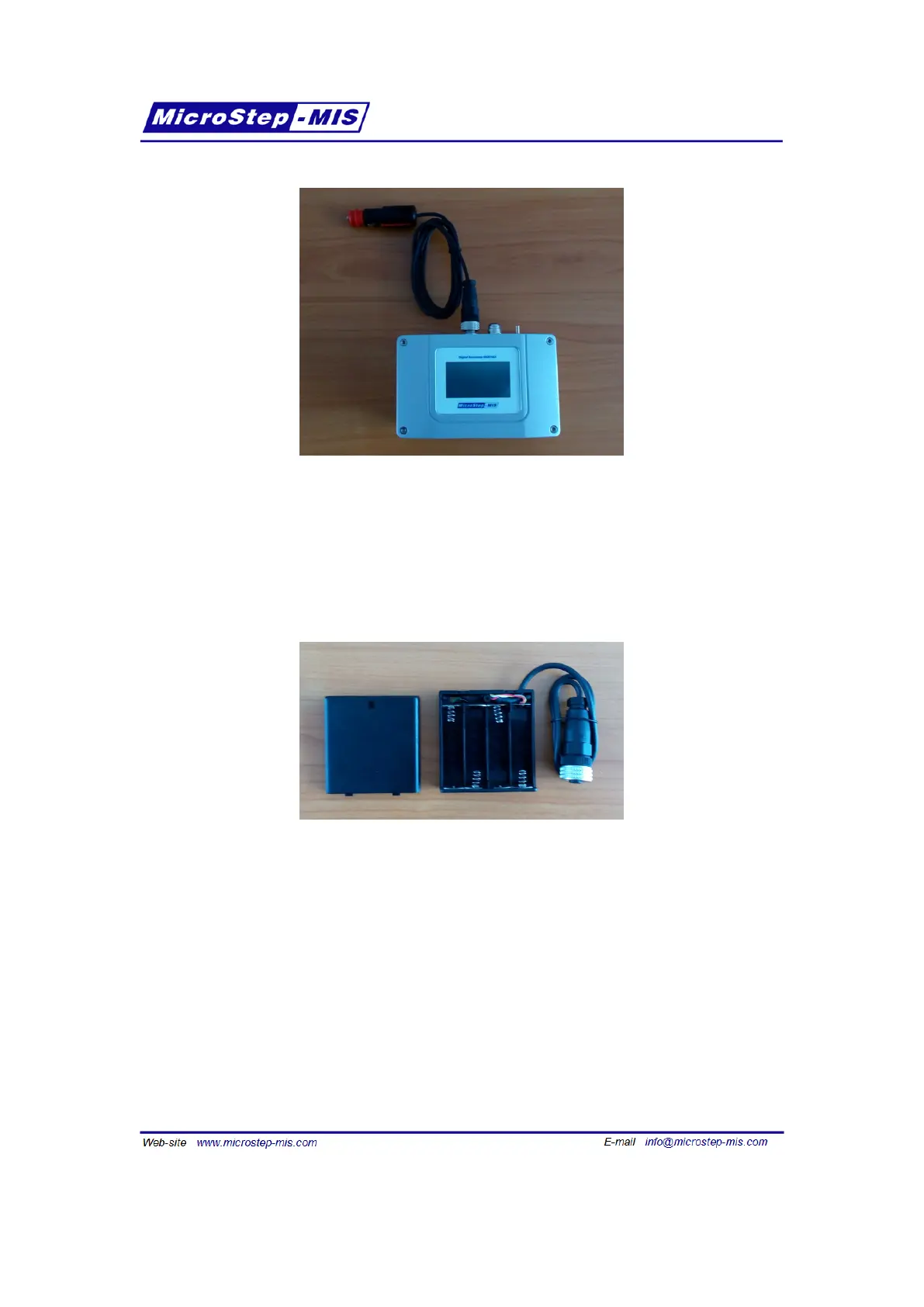
Figure 9: Connection of a car cigarette lighter plug to the transfer standard
3.4 Using the transfer standard with AA batteries
If the battery is empty and there is no way to recharge the battery, it is also possible to use four
AA batteries to power the transfer standard. Use the dedicated battery pack. First fill it with
fresh AA batteries, see figure 10.
Figure 10: The battery pack fits four AA batteries
Connect the battery pack to the transfer standard according to the figure 11.
3.5 Connecting the transfer standard to a computer
To connect the transfer standard to a computer RS-232 port, use the dedicated RS-232 cable.
See figure 12.
The default communication settings are in table 2 on page 15. To check the actual settings via
display, see section 7.7 on page 67.
20



 To Next Page