MSB780(X) - User’s Guide
• Battery/charging state (battery version only)
• Barometer state (State: OK or ER with error number)
• Quantity and unit which is displayed
• Pressure trend (PT: icon is displayed 30 minutes after reset)
• T: temperature from external probe (when connected)
• H: relative humidity from external probe (when connected)
• P: pressure (default option, all from Table 21 on page 82 are possible)
• Screen number (1/3)
• Graph and Menu buttons
• |R| icon, if recording to SD card is running
The screen is divided into three active touch areas:
• Graph - switch to Graph screen
• Menu - switch to Menu
• the rest of screen area - switch to next main screen
The default quantity (P) can be changed to a different quantity in Menu -> Display -> Home
screen (1/3). You can find the list of available quantities in the Table 21 on page 82.
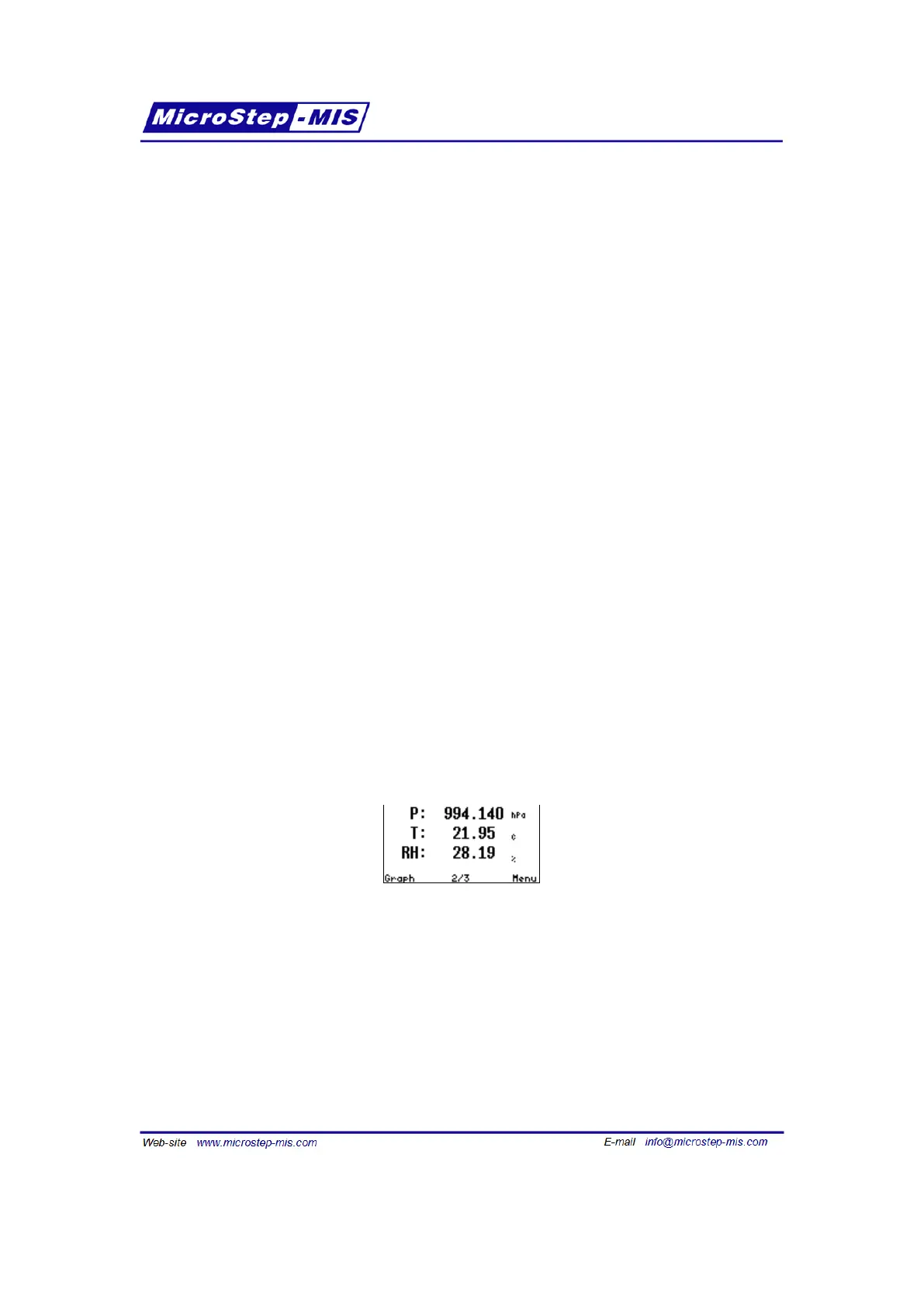
The second and the third screens show values of three optional quantities in three rows, simul-
taneously. They can be chosen in Menu -> Display -> Home screen (2/3) and (3/3).
This example screen shows the following values:
• P - actual pressure
• T - temperature from external probe
• RH - relative humidity from external probe
59



 To Next Page