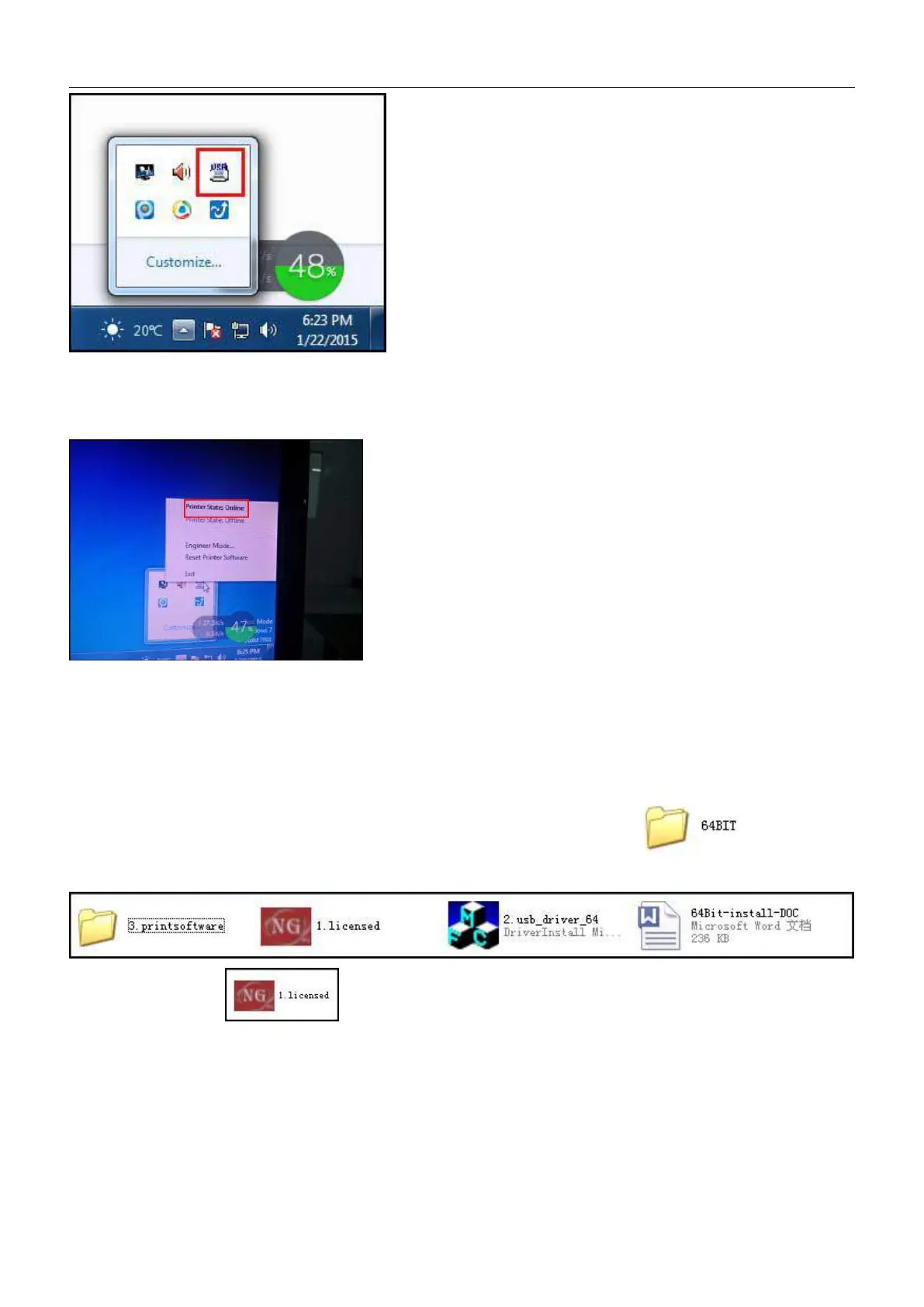
At the same time, the carriage will move rightwards to the right limit switch of the printer. Then the limit switch will
turn red and the platform will move toward to limit switch on the back. The platform stops moving when the limit
switch turns red. So the printer is get connected:
Click the right button of mouse to check the connection status of the computer and printer and the settings of the
“engineering mode”:
④、Then 32BIT driver installation is finished. Pls click trust and allow the driver installation when there is prompt by
anti-virus and firewall reminding you the program being installed is virus:
2.8.5 64BIT driver installation instruction shown as below: Double click to open the
file folder:
、
Open file folder and click “ Next” to install:


 To Next Page