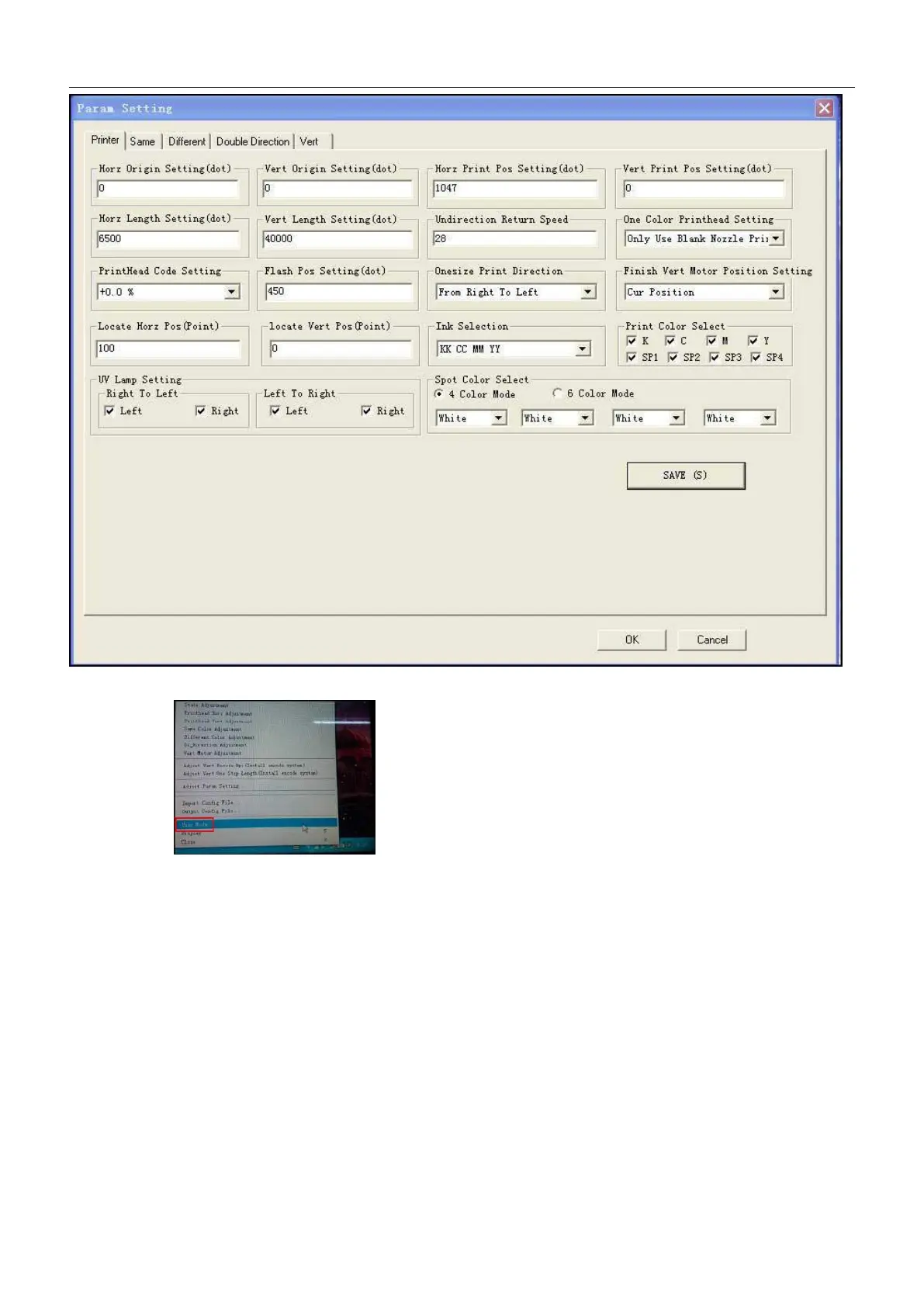
Note: Please do not change the data of the engineering mode if no special requirement.
④、Click the User Mode, then enter the User Mode.
2.9 Photoprint Printer Control Software Installation
2.9.1、Preparation before installation
computer hardware and software configuration recommend:
hardware:
CPU:2.50GHZ
Memory:2.00GB
2.9.2、Photoprint Printer Control Software Installation
Note .:Turn off the antivirus software on the computer before installing, plug in the white dongle.
(1) To find card USB disk, connect it to the PC to open it to open folder find “software”:


 To Next Page