DIGITAL PROPORTIONAL R/CSYSTEM
www.microzone.cn
2.4GHz
FHSS
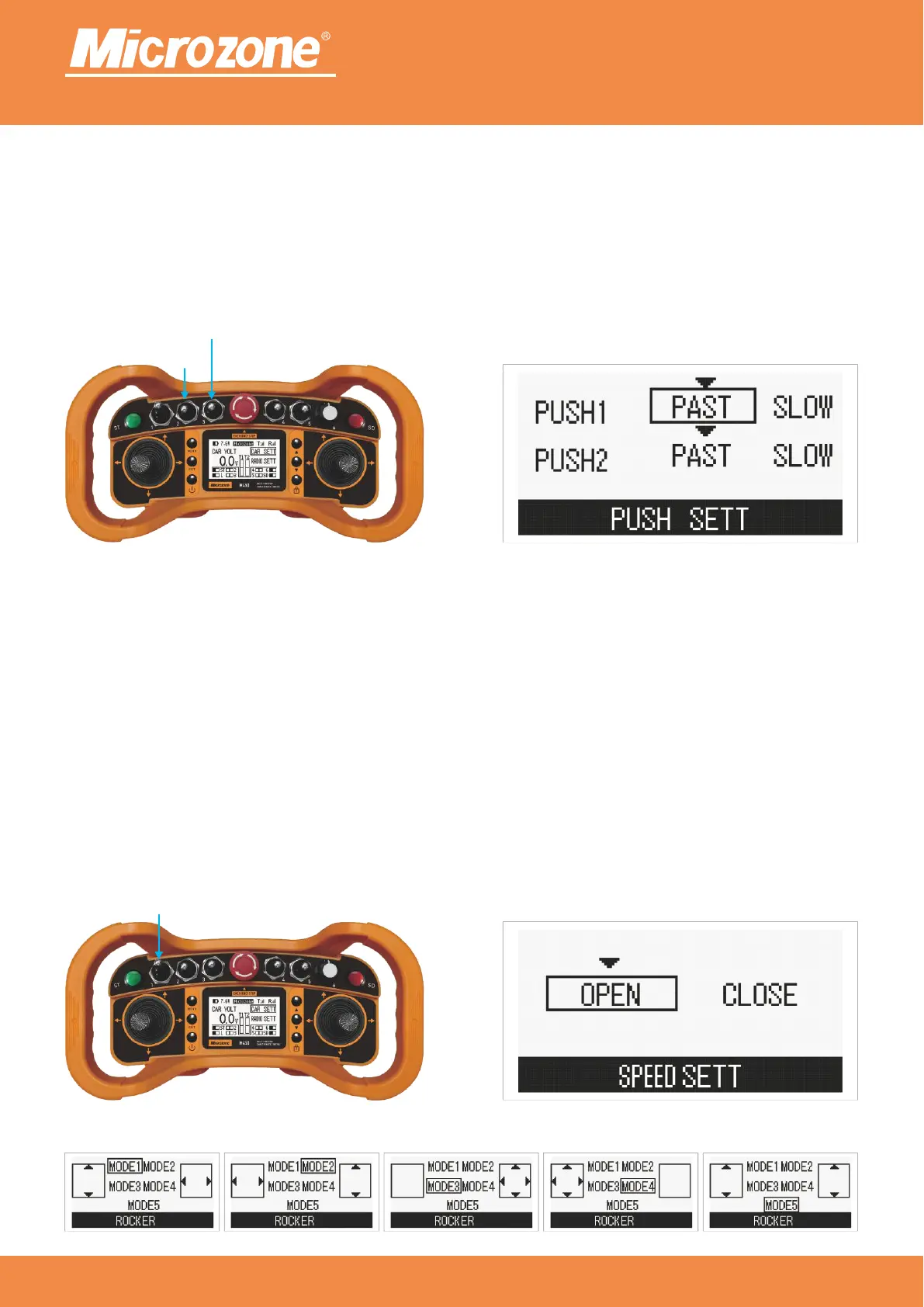
Actuator settings:
Controls putter expansion and contraction;
fast speed; slow speed;Putter <FAST>: Putter <SLOW>:
Press <PREVIOUS ONE> key or <NEXT> key to select the corresponding option, then press <MENU> key to
confirm.
Constant speed switch:
Toggle the constant speed switch backward to turn constant speed on, then backward again to turn On:
constant speed off; when constant speed is on, every time you shake the rocker in the forward and backward
direction (depending on the rocker setting to determine which rocker controls forward and backward) as
shown below, it will either increase or decrease the speed, and it will be ticking;
Toggling the fixed speed switch is not effective;Off:
Press <PREVIOUS ONE> key or <NEXT> key to select the corresponding option, then press <MENU> key to
confirm.
Fixed Speed Switch
Pusher2
Pusher1



 To Next Page