DIGITAL PROPORTIONAL R/CSYSTEM
www.microzone.cn
2.4GHz
FHSS
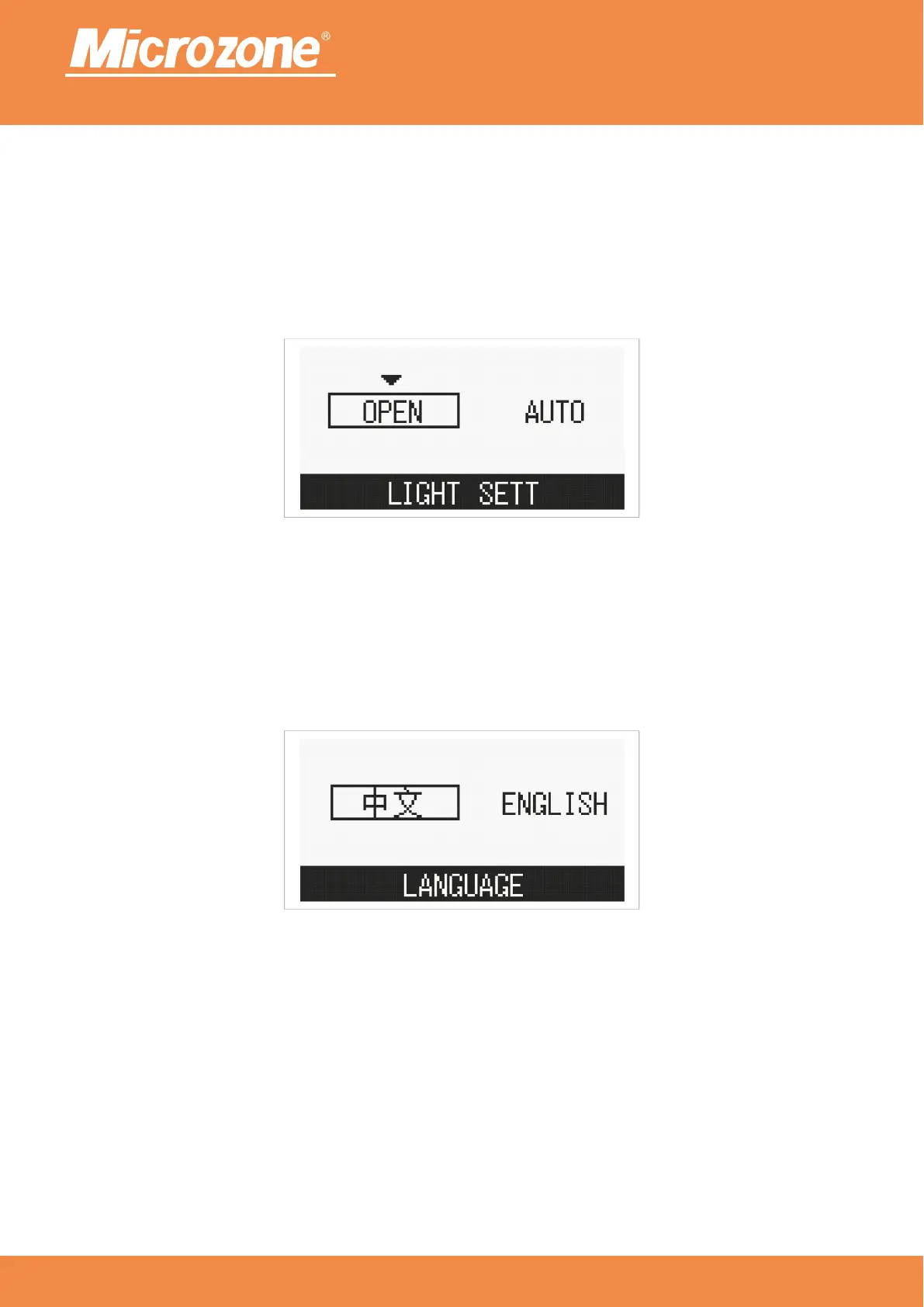
Voice selection:
Support Chinese and English;
Press <PREVIOUS ONE> key or <NEXT> key to select the corresponding option, then press <MENU> key to
confirm.
Backlight settings:
the screen always turns on the backlight;Normally on:
the backlight turns on when the key is pressed and turns off after 11 seconds of not pressing the key;Auto:
Press <PREVIOUS ONE> key or <NEXT> key to select the corresponding option, then press <MENU> key to
confirm.



 To Next Page