16
Power-off lock
Turn the power-off lock switch to OFF, the oscilloscope cannot be turned on.
Caution: Forced power-off may result in loss of unsaved data, please use with caution.
2.8 Understand the Oscilloscope Display Interface
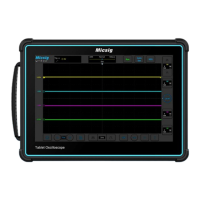
This section provides a brief introduction and description of the SATO series oscilloscope user’s interface. After
reading this section, you can be familiar with the oscilloscope display interface content within the shortest possible
time. The specific settings and adjustments will be detailed in subsequent chapters and sections. The following
items may appear on the screen at a given time but not all items are visible. The oscilloscope interface is shown in
Figure 2-6.



 To Next Page