30
2.13 Load Factory Settings
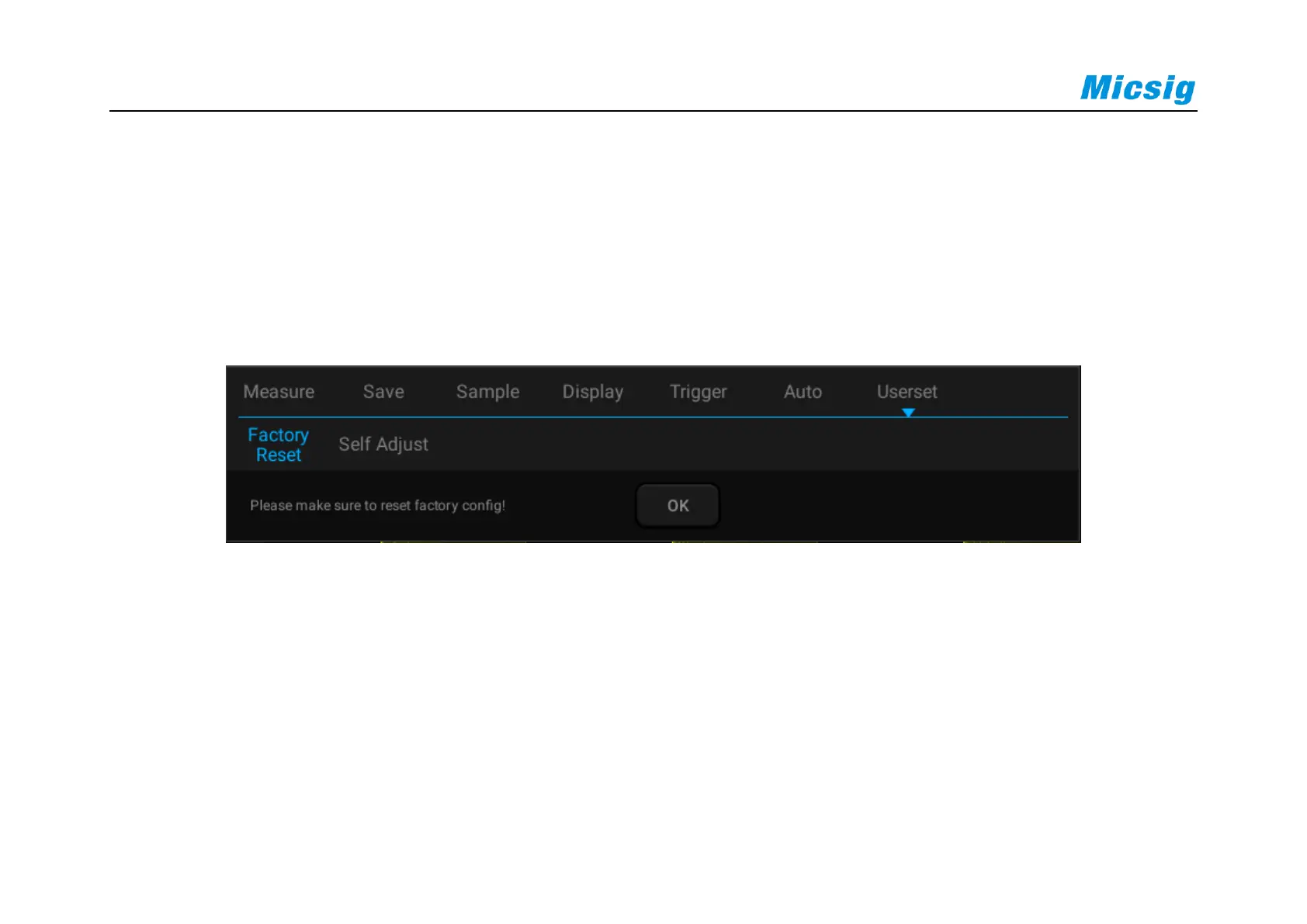
Open the main menu, tap “User Settings” to enter the user setting page. Tap “Factory Settings” and the dialog box
for loading factory settings will pop-up. Press “OK” and load the factory settings. The dialog box for loading
factory settings is shown in Figure 2-12.
Figure 2-12 Load Factory Settings
2.14 Use Auto-calibration
Open the main menu, tap “Userset” to enter the user setting page. Tap “Self Adjust” to enter the auto-calibration
mode. When the auto-calibration function is active, the upper left corner of the screen displays “Calibrating” in red,



 To Next Page