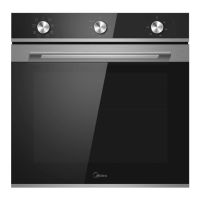
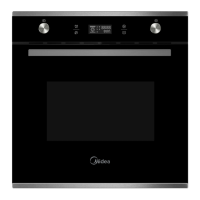
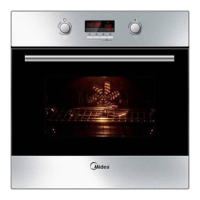
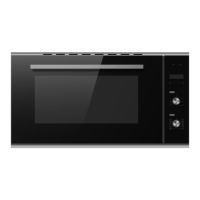
PRODUCT OVERVIEW
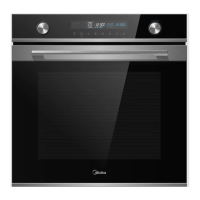
Identifying The Appliance
2 Cancel
Cancel the current state and enter standby
mode.
3. Child-Proof Lock
use child-proof lock with 3s press.
4.
Timer
Use timer function.
5. Quick preheat
Use this to have a quick preheat.
6.
Duration & Clock Setting
Set a duration time then select function & set
clock in standby mode.
7. Temperature Setting
Press to set temperature.
8. Lamp ON / OFF
Switch on and off the lamp.
9. Start / Pause
Start and pause the cooking process.
10. Adjust
Change the adjustment values shown in the
display.
.
1 2
3 4
5 6 7 8 9 10
Turn this knob to change heating mode.
1. Oven – Function


 To Next Page