EasyManua.ls Logo

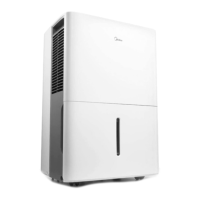
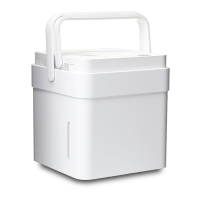
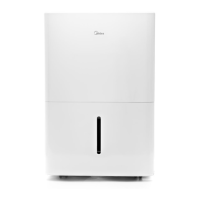
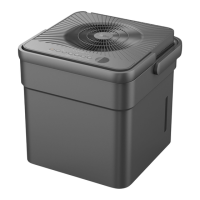
Midea MC50MSKBA3RCM - User Manual

Midea MC50MSKBA3RCM
40 pages
Print Icon
To Next Page IconTo Next Page
Loading...
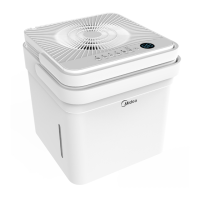
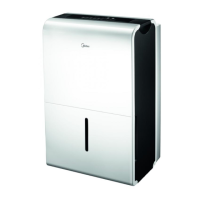
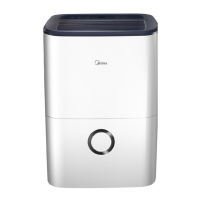
Dehumidifier
version A - 12 - 2020
www.midea.com
USER MANUAL
EN
Warning notices: Before using
this product, please read this
manual carefully and keep it
for future reference.
The design and specifications
are subject to change without
prior notice for product
improvement.
POWER SOURCE 115V,60Hz

Questions and Answers

  • A
    Allison MooreAug 10, 2025
    How to fix Midea Dehumidifier that won't start?
    • F
      fnguyenAug 10, 2025
      If your Midea Dehumidifier isn't starting, try these solutions: 1. Ensure the dehumidifier's plug is fully inserted into the outlet. 2. Check your house's fuse or circuit breaker box. 3. The dehumidifier might have reached its preset level, or the bucket could be full. Empty the bucket or adjust the settings. 4. Make sure the water bucket is correctly positioned.
  • S
    Stephanie PachecoAug 16, 2025
    What to do if my Midea MC50MSKBA3RCM Dehumidifier is leaking water on the floor?
    • M
      Melissa WilsonAug 16, 2025
      If you find water on the floor near your Midea Dehumidifier, check the following: * Ensure the hose connection is secure, if you are using one. A loose hose or connector can cause leaks. * If you're using the bucket to collect water, make sure the back drain plug is properly installed.
  • P
    patriciahumphreyAug 22, 2025
    Why does frost appear on the coils of my Midea MC50MSKBA3RCM?
    • S
      Sandra LittleAug 22, 2025
      If you notice frost on the coils of your Midea Dehumidifier, don't worry! This is normal, as the dehumidifier has an auto-defrost feature.
  • S
    Stephanie DeleonAug 27, 2025
    Why is my Midea MC50MSKBA3RCM not drying the air properly?
    • L
      lopezchristopherAug 27, 2025
      If your Midea Dehumidifier isn't drying the air effectively, several factors could be the cause: * Ensure enough time has passed for the unit to remove moisture. * Check that curtains, blinds, or furniture aren't blocking the front or back of the dehumidifier. * Verify the humidity control is set low enough. * Confirm that all doors, windows, and openings are securely closed. * The room temperature might be too low (below 5°C or 41°F). * There might be a source of water vapor in the room, such as a kerosene heater.
  • J
    Joseph ReeseSep 3, 2025
    Why is my Midea MC50MSKBA3RCM making a loud noise?
    • D
      Dr. Michael GraySep 3, 2025
      If your Midea Dehumidifier is making loud noises, it could be due to a few reasons: * The air filter might be clogged. Clean or replace the air filter. * The unit might be tilted. Ensure the unit is upright. * The floor surface might not be level. Place the unit on a level surface.

Summary

Safety Precautions

Preparation

Installation Instructions

Step-by-step guide for assembling the dehumidifier.

Operating Instructions

Unit Positioning

Guidelines for placing the dehumidifier for optimal performance and airflow.

Initial Operation Guidelines

Details initial operation, environmental conditions, and first use.

Control Panel Overview

Explains the indicators and buttons on the dehumidifier's control panel.

Power and Mode Buttons

How to turn the unit on/off and select dehumidifying modes.

Humidity and Fan Controls

Adjusting humidity levels and fan speed settings.

Display and Error Codes

Explains display indicators and troubleshooting error codes.

Protection Codes

Explains error codes for bucket issues and other malfunctions.

Dehumidifying Mode Details

Explains continuous, smart, setting, MAX, and dryer modes.

Care and Maintenance

Troubleshooting Tips

Common Problems and Solutions

Lists common issues and their checks, including error codes.

Midea MC50MSKBA3RCM Specifications

General IconGeneral
BrandMidea
ModelMC50MSKBA3RCM
CategoryDehumidifier
LanguageEnglish

Related product manuals