OPERATION INSTRUCTIONS
Review Of Controls:
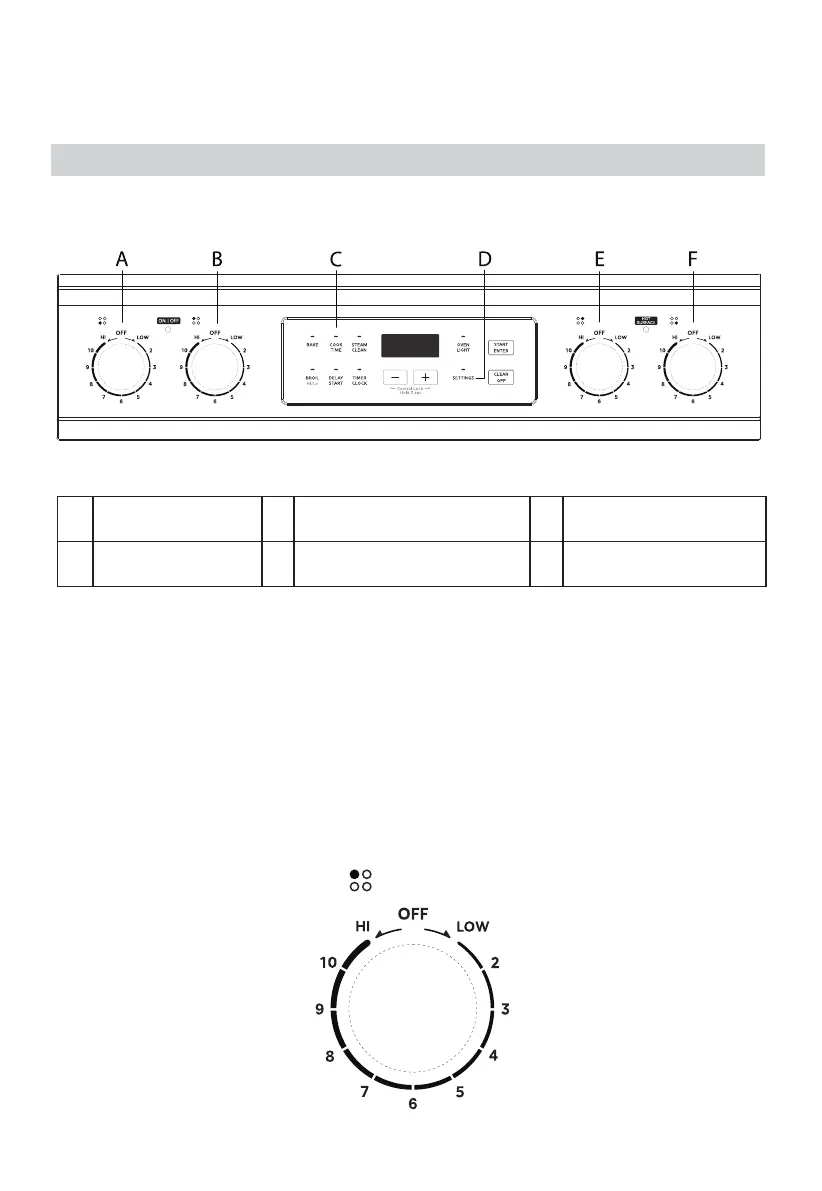
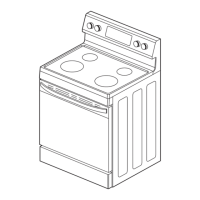
CONTROL PANEL DIAGRAM
A
FRONT LEFT
BURNER
C
OVEN COOKING
OPTIONS
E REAR RIGHT BURNER
B
REAR LEFT
BURNER
D OVEN SETTINGS F
FRONT RIGHT
BURNER
Controlling the Cooking Elements:
To turn a cooking element on, push in on the control knob and turn in either
direction. The small icon above the control knob indicates the location of the
element being controlled. Adjust to the desired heat setting by aligning the
power level on the knob to the indicator mark on the control panel. To turn an
element off, simply rotate the control knob to the OFF position.
CONTROL KNOB
• The control knobs can be set to anywhere between “HI” to “LOW”.
• Push in and turn to activate.


 To Next Page