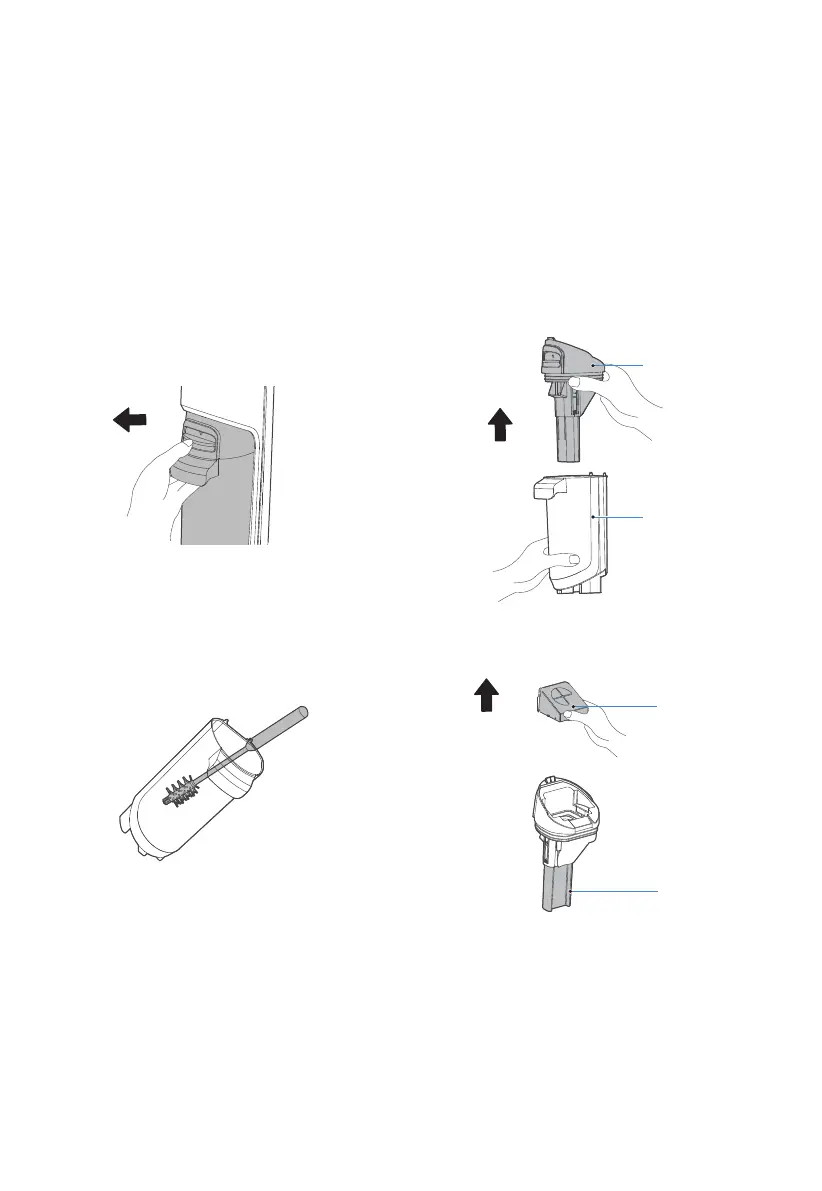
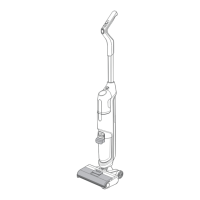
Cleaning waste water tank
Note:
1. Cut off the power supply and allow the machine to stop working before cleaning the waste water tank.
2. Scrub with water or a neutral detergent; always wring out the cleaning cloth before scrubbing and do
not allow water to penetrate inside the electrical components of the machine.
3. After cleaning, it is recommended to leave the machine on its base. Take care not to place it in direct
sunlight or in a humid place.
4. It is advisable to maintain the machine's components regularly in order not to affect its performance.
5. It is recommended to replace the filter every 6 months.
1. Push the button of the waste water tank
downwards with the thumb and pull it out at
the same time to remove the tank.
2. Hold the tank with one hand and pull out the upper
cover of the tank with the other hand.
3. When pour out the waste water, if there is
stubborn dirt on the inner wall of the tank,
please clean it directly with the cleaning brush.
4. Take out the filter from the waste water tank and
check whether the float is stuck by foreign objects.
Pull out
Upward
Upward
Filter
Float
Waste water tank
upper cover
Waste water tank
body


 To Next Page